DTF (Direct to Film) heat transfer printing has become a preferred choice in custom apparel, digital textile printing, and promotional products, thanks to its detailed patterns, wide fabric compatibility, and flexible workflow.
However, many professionals encounter common issues: poor adhesion, peeling patterns, and uneven edges after washing. These problems not only affect product quality but also increase rework and production costs.
Most DTF transfer adhesion issues can be traced to materials, printing conditions, adhesive powder, and heat curing. Understanding these factors and optimizing each step can significantly improve transfer durability and overall print consistency.
1. Poor Material Quality: The Primary Factor
DTF Transfer Film
The transfer film serves as the carrier for the printed design. Its quality directly affects how well the ink transfers and adheres to the substrate.
Common issues with low-quality films:
Film does not separate cleanly during transfer
Design lifts with the film, leaving incomplete prints
Edges peel or curl
High-quality DTF films feature:
Uniform ink-absorbing coating
Stable release layer
Easy peel performance
These features help ensure smooth and reliable adhesion during heat transfer.
Adhesive Powder
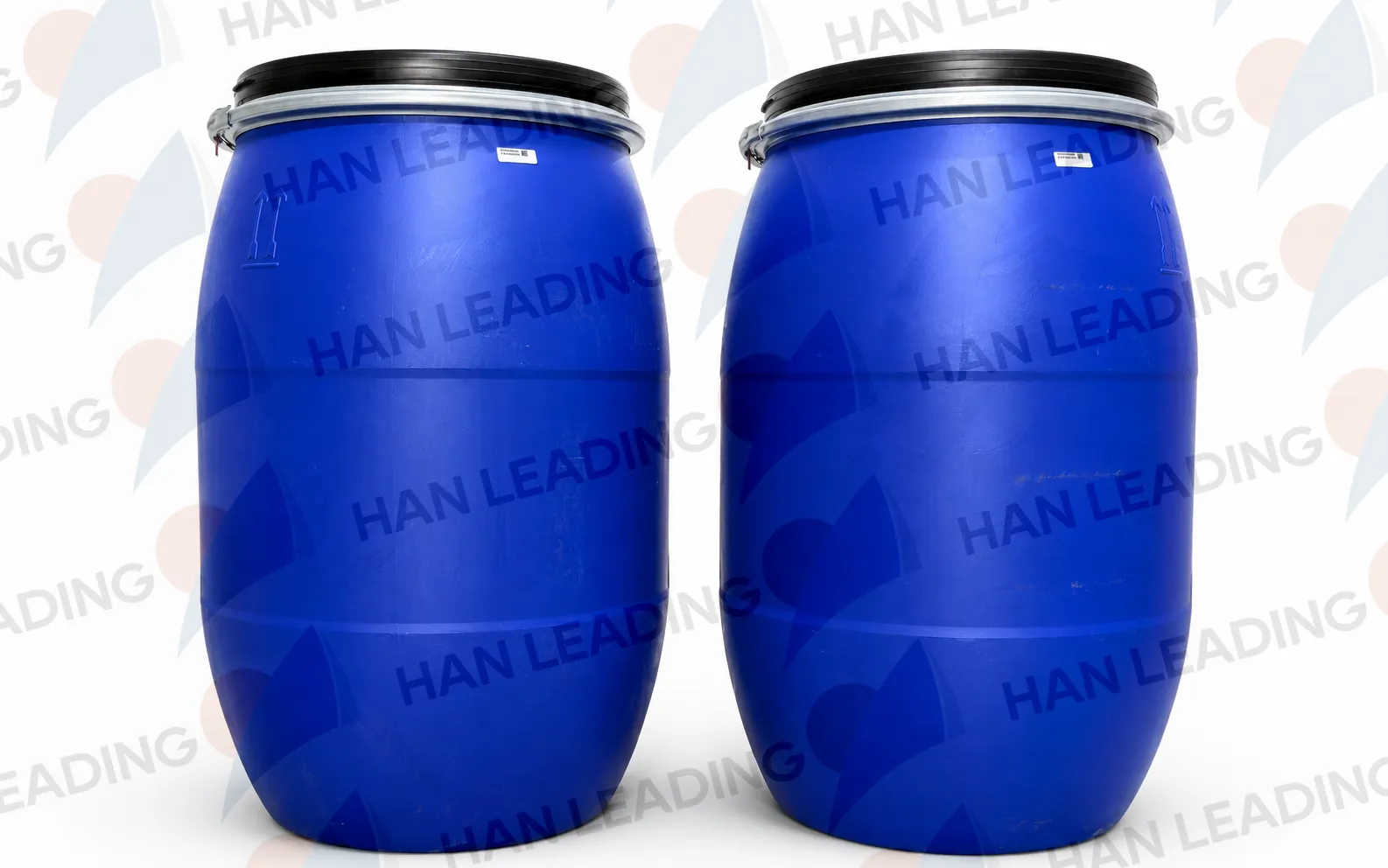
Adhesive powder (hot-melt powder) forms the bond between the ink and the fabric, and is a critical factor in print adhesion.
Ideal properties of adhesive powder:
Uniform particle size
Stable melting point
Strong bonding with both ink and fabric
Poor-quality or unevenly applied powder can lead to:
Weak adhesion
Uneven texture
Peeling after washing
Most high-quality DTF powders are TPU-based, offering flexibility, durability, and excellent wash resistance.
DTF Ink
Ink quality also affects transfer adhesion. High-quality DTF inks should:
Disperse evenly
Dry consistently
Maintain color stability
Low-quality inks may cause bleeding, clumping, or uneven deposition, which reduces adhesion and print durability.
Note: Even premium materials can degrade if stored improperly or used past their shelf life.
2. Printing Issues Can Reduce Adhesion
Even with top-quality materials, printing errors can negatively impact DTF transfer adhesion.
Incorrect printer calibration: Over- or under-ink, color misalignment, uneven layers
Clogged nozzles or dirty printheads: Uneven ink distribution, missing details, reduced adhesion
Best practices:
Regularly check nozzles and printheads
Keep equipment clean and well-calibrated
This ensures consistent ink deposition, which is critical for proper adhesive bonding.
3. Improper Adhesive Powder Application
Even high-quality powders can fail if applied incorrectly:
Uneven coverage: Some areas receive too much or too little powder, causing weak adhesion
Excess powder residue: Residual powder on the design surface can create rough texture or compromise adhesion
Optimization tips:
Test powder coverage with small batches
Use automated powder vibration equipment for even distribution
Control powder thickness carefully
Uniform adhesive powder application is essential for reliable DTF transfers.
4. Incorrect Heat Curing
Heat curing melts the adhesive powder to bond the ink and fabric. Incorrect curing parameters are a common cause of poor adhesion:
Incomplete melting: Temperature too low or dwell time too short, resulting in designs that peel easily
Overheating (“burning powder”): Too high temperature or too long curing time may degrade powder, leaving prints hard or discolored
Uneven temperature distribution: Equipment calibration issues can lead to inconsistent adhesion across the design
Reference heat press parameters:
using the H·easy DTF HY-701/704 as an example (adjust according to fabric type)
| Parameter | Recommended Range |
|---|---|
| Temperature | 150°C |
| Pressure | 0.5mpa |
| Time | 15 seconds |
5. How to Improve DTF Heat Transfer Adhesion
Select high-quality materials: DTF film, TPU adhesive powder, and stable DTF ink
Maintain printer equipment: Keep printheads clean and calibrate regularly
Ensure even powder application: Avoid excess or uneven coverage
Optimize heat press settings: Adjust temperature, pressure, and time according to fabric type
Conduct small-batch tests: Validate adhesion before full production
By controlling each stage, from materials to curing, you can significantly reduce transfer failures and improve print durability.
Conclusion
Poor DTF heat transfer adhesion is rarely caused by a single factor. Material quality, printer performance, adhesive powder, and heat curing all work together to determine print durability.
Systematic optimization at each stage—plus small-batch testing—can reduce defects, lower rework, and ensure high-quality, durable, and stable DTF prints.
In DTF printing, more checks and tests mean fewer issues, ultimately resulting in consistent, professional-quality transfers.