DTF (Direct-to-Film) printing is known for its efficiency and versatility, but consistent print quality and machine stability depend heavily on proper maintenance. Issues such as printhead clogging, white ink sedimentation, and unstable output are often caused not by the printer itself, but by insufficient or irregular maintenance routines.
To help operators reduce downtime and extend equipment lifespan, this article provides a practical DTF printer maintenance checklist, organized into daily, weekly, and monthly tasks.
Why Regular DTF Printer Maintenance Matters
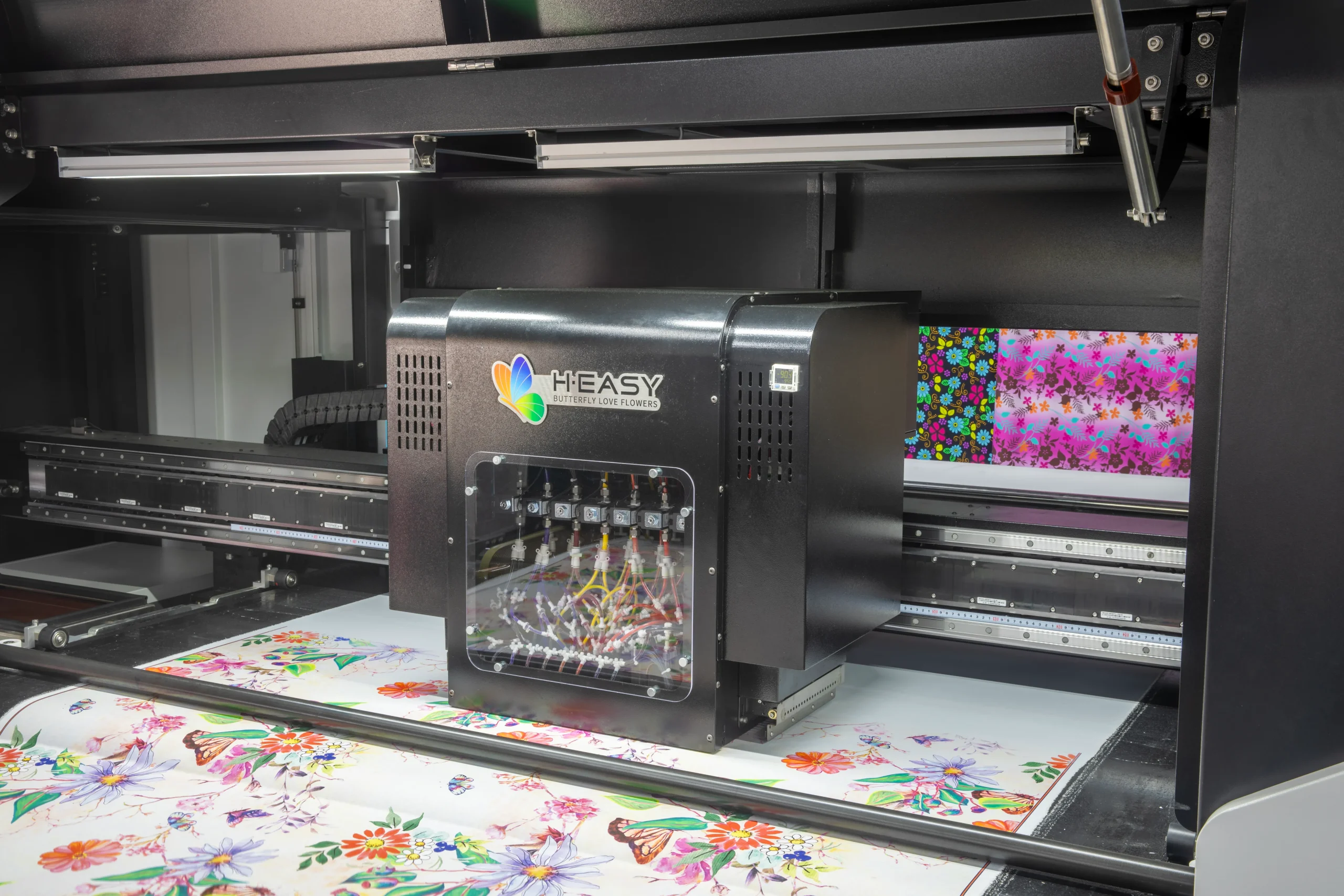
A DTF printing system includes multiple critical components, such as printheads, white ink circulation systems, ink supply lines, maintenance stations, and media transport mechanisms. Failure in any of these areas can directly impact productivity and print consistency.
Proper maintenance helps you:
- Minimize printhead clogging and nozzle dropouts
- Maintain stable white ink density and color output
- Reduce unexpected machine downtime
- Extend the service life of printheads and consumable parts
- Ensure smooth and continuous production
Maintenance is not an extra cost—it is a long-term protection of your equipment investment.
If you’re looking to upgrade or maintain your DTF printer, explore high-performance models on our DTF Printer page to find solutions designed for stable output and long-term reliability.
Daily Maintenance Checklist
Daily maintenance focuses on preventing clogging and keeping the ink system stable.
White Ink Inspection and Circulation
- Check white ink circulation before printing
- Gently agitate white ink if manual circulation is used
- Ensure the white ink mixing or circulation system is functioning properly
White ink sedimentation is one of the most common causes of DTF printhead issues.
Printhead Test and Basic Cleaning
- Print a nozzle check pattern to verify ink output
- Perform standard cleaning if missing nozzles are detected
- Clean residual ink around the printhead using compatible cleaning solution
Maintenance Station Check
- Clean the cap top surface to remove dried ink
- Wipe the wiper blade to prevent ink buildup
- Confirm proper sealing when the printhead is parked
Environmental Check
- Maintain suitable temperature and humidity for water-based inks
- Avoid low-humidity environments that may cause nozzle drying
Weekly Maintenance Checklist
Weekly maintenance is aimed at system stability and early problem detection.
Deep Cleaning of Maintenance Station
- Clean the absorbent pads inside the capping unit
- Inspect pads for saturation or hardening
- Replace consumables if sealing performance declines
Ink Supply and Waste Ink System Inspection
- Check ink tubes for air bubbles, leakage, or aging
- Ensure waste ink tubes are unobstructed
- Empty and clean the waste ink container as needed
Encoder Strip and Media Transport Cleaning
- Gently clean the encoder strip to maintain accurate positioning
- Remove dust or ink residue along the film path
- Confirm smooth media feeding without friction or scratches
Monthly Maintenance Checklist
Monthly maintenance focuses on preventive care and consumable replacement.
Consumable Parts Inspection and Replacement
- Inspect cap top seals and absorbent pads for wear
- Check wiper blade elasticity and replace if necessary
- Replace saturated waste ink absorption materials
White Ink System Inspection
- Verify the operation of white ink circulation pumps or motors
- Clean white ink lines to prevent pigment buildup
- Ensure white ink remains evenly mixed and printable
Motion System Lubrication
- Lubricate guide rails according to manufacturer recommendations
- Use appropriate lubricants and avoid over-application
Common Problems and Maintenance Correlation
| Issue | Possible Cause |
|---|---|
| Frequent nozzle clogging | White ink sedimentation / poor capping seal |
| Ineffective cleaning | Saturated absorbent pads / worn wiper |
| Print misalignment | Dirty encoder strip |
| Inconsistent white ink density | Circulation system malfunction |
Most of these issues can be prevented through scheduled maintenance and timely consumable replacement.
Conclusion: Maintenance Ensures Long-Term Stability
Consistent and structured maintenance is essential for keeping DTF printers running reliably. Dividing maintenance tasks into daily, weekly, and monthly routines helps reduce failures, protect high-value printheads, and maintain production efficiency.
If you are looking for DTF printer maintenance parts, consumables, or complete maintenance solutions, feel free to contact us for professional support tailored to your equipment and application needs.