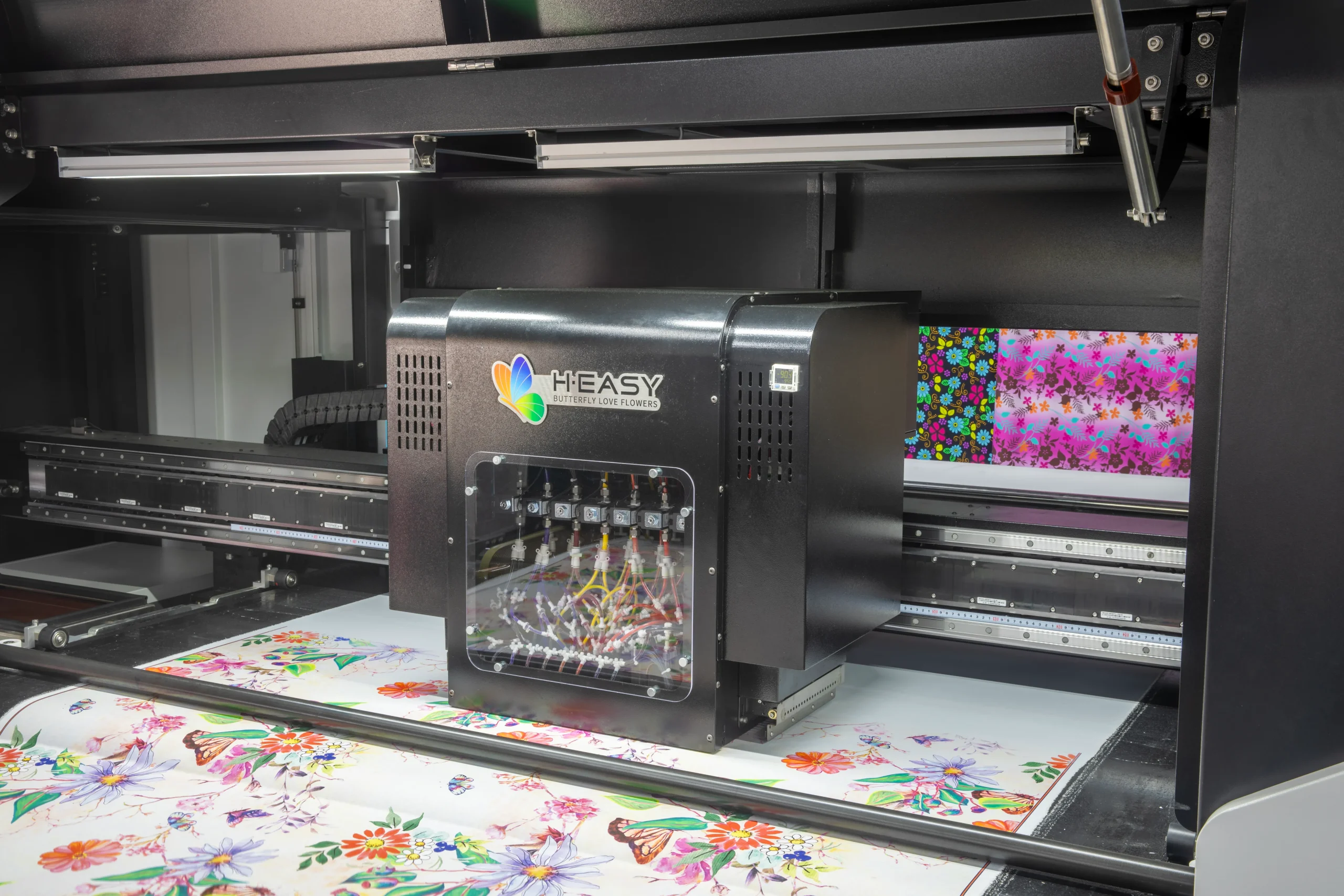
Investing in a Direct-to-Garment (DTG) printer is a major decision for any custom apparel business. Whether you’re starting a print-on-demand operation, expanding a garment decoration shop, or upgrading existing equipment, choosing the right DTG printer directly impacts print quality, productivity, and profitability.
While brochures and specifications provide useful information, nothing reveals a printer’s true capabilities better than a live demonstration and test print inspection.
Many buyers make the mistake of judging a DTG printer solely by the final printed T-shirt. However, a professional evaluation should go much deeper. Print quality, white ink performance, production speed, workflow efficiency, operating costs, and machine stability all play critical roles in long-term success.
This guide outlines the essential checkpoints to help you evaluate a DTG printer during a demo session and make a confident purchasing decision.
Why a DTG Printer Demo Matters
A printer may produce an impressive sample under ideal showroom conditions, but real-world production requires consistency, reliability, and ease of operation.
A live demonstration allows you to evaluate:
- Actual print quality
- White ink performance
- Production speed
- Fabric compatibility
- Ease of operation
- Maintenance requirements
- Overall return on investment
By following a structured inspection process, you can avoid costly purchasing mistakes and choose equipment that supports long-term business growth.
1. Examine Print Resolution and Image Quality
The first and most obvious factor to inspect is print quality.
Ask the supplier to print designs containing:
- Fine text
- Thin lines
- Complex graphics
- Photographic images
- Gradient color transitions
Pay attention to:
Sharpness
Small details should remain clear and well-defined without blurring.
Color Transitions
Gradients should appear smooth rather than showing visible banding.
Edge Definition
Graphic edges should be crisp and accurate.
Text Legibility
Small fonts should remain readable even at reduced sizes.
The H·EASY 4050 DTG Printer utilizes dual industrial piezo printheads with a minimum droplet size of just 3.5pl, enabling highly detailed image reproduction and smoother color transitions.
2. Evaluate Color Accuracy and Reproduction
Color accuracy is critical, especially for commercial apparel printing and brand merchandise.
During the demonstration, compare the printed garment with the original digital artwork.
Look for:
- Vibrant colors
- Accurate skin tones
- Consistent color density
- Smooth gradients
- Minimal color shifting
Ask whether the RIP software supports ICC color profiling and Pantone color matching for improved color consistency.
A high-quality DTG printer should reproduce colors that closely match the original design while maintaining consistency across multiple prints.
3. Test White Ink Performance on Dark Garments
White ink management is one of the biggest challenges in DTG printing.
Poor white ink coverage can cause:
- Dull colors
- Uneven prints
- Poor wash durability
- Frequent maintenance issues
Request samples on black or dark-colored garments.
Evaluate:
- White underbase opacity
- Uniform coverage
- Registration accuracy
- Color vibrancy above the white layer
The H·EASY 4050 features independent control of white and color ink channels, helping achieve cleaner white layers and more vivid final prints.
4. Verify Printing Speed and Productivity
Manufacturers often advertise maximum printing speeds, but actual production efficiency is what matters.
For the H·EASY 4050, printing speeds under standard mode are:
| Print Size | Light Garment | Dark Garment |
|---|---|---|
| A4 | 50 seconds | 64 seconds |
| A3 | 88 seconds | 103 seconds |
Instead of focusing solely on print speed, evaluate the complete production cycle:
- Pretreatment
- Garment loading
- Printing
- Heat curing
- Finished product inspection
This provides a realistic understanding of hourly production capacity.
5. Check Print Consistency and Repeatability
One perfect sample does not guarantee production reliability.
Ask the operator to print the same design multiple times consecutively.
Compare:
- Color consistency
- White ink density
- Print placement accuracy
- Registration precision
A reliable DTG printer should deliver identical results from the first print to the fiftieth.
Consistency is especially important for bulk orders and repeat customers.
6. Assess Fabric Compatibility
Different fabrics absorb ink differently.
If your business prints on various garment types, request samples on:
- 100% cotton
- Ring-spun cotton
- Cotton-polyester blends
- Hoodies
- Sweatshirts
- Tote bags
The H·EASY 4050 supports a maximum print area of 400 × 500 mm, making it suitable for a wide variety of apparel decoration applications.
7. Evaluate Ink Consumption and Operating Costs
Purchase price is only one part of the investment.
Long-term profitability depends heavily on operating costs.
Ask about:
- Ink consumption per print
- White ink usage
- Cleaning fluid consumption
- Maintenance expenses
- Printhead replacement costs
The H·EASY 4050 supports both 1L bottles and 5L bulk ink systems, helping reduce interruptions and lower production costs.
Understanding the true cost per print will provide a more accurate picture of potential ROI.
8. Inspect the User Interface and Workflow
An efficient workflow reduces training time and increases productivity.
During the demonstration, observe how easily the operator can:
- Import artwork
- Adjust print settings
- Position designs
- Start production
- Perform maintenance tasks
A user-friendly system is especially important for businesses with multiple operators or rapid staff turnover.
The H·EASY 4050 is designed to simplify operation while supporting short-run and on-demand production environments.
9. Review Media Height Adjustment Capability
Not all garments have the same thickness.
Hoodies, sweatshirts, and specialty apparel often require additional printhead clearance.
The H·EASY 4050 supports media thicknesses up to 10 mm and offers fast switching between three height levels.
This flexibility allows businesses to expand product offerings without compromising print quality.
10. Evaluate Maintenance Requirements
Maintenance directly affects uptime and productivity.
Ask the supplier to demonstrate:
- Daily cleaning procedures
- Nozzle checks
- White ink maintenance
- Printhead cleaning
- Waste ink management
A well-designed DTG printer should minimize maintenance while maximizing reliability.
Understanding maintenance requirements before purchasing helps prevent unexpected downtime later.
11. Consider Space Requirements and Power Consumption
Production space is often limited, especially for startups and small print shops.
The H·EASY 4050 features a compact footprint:
- Width: 1473 mm
- Depth: 1126 mm
- Height: 817 mm
- Weight: 95 kg
It also offers low power consumption:
- Operating Power: 140W
- Standby Power: 100W
These characteristics make it suitable for both small workshops and growing production facilities.
12. Assess the Complete DTG Printing Workflow
A successful DTG production process involves more than printing alone.
During the demonstration, ask to see the entire workflow:
Step 1: Pretreatment
Prepare the garment surface for optimal ink adhesion.
Step 2: Pre-Curing
Smooth and stabilize the fabric surface.
Step 3: DTG Printing
Print the design directly onto the garment.
Step 4: Final Heat Curing
Lock the ink into the fabric for durability and wash resistance.
Evaluating the complete process provides a clearer understanding of actual production efficiency.
Why the H·EASY 4050 DTG Printer Stands Out
Designed for custom apparel businesses, print-on-demand operations, and garment decorators, the H·EASY 4050 combines industrial-grade performance with user-friendly operation.
Key Features
- 400 × 500 mm print area
- Dual industrial piezo printheads
- 3.5pl ultra-fine droplet technology
- Independent white ink control
- Fast A4 and A3 production speeds
- Supports light and dark garments
- Compact footprint
- Low power consumption
- Ideal for short-run and customized production
Final Thoughts
A DTG printer demonstration is your best opportunity to evaluate whether a machine can meet your production requirements.
Rather than focusing solely on the final print sample, examine the factors that truly determine long-term success:
- Print quality
- Color accuracy
- White ink performance
- Production speed
- Workflow efficiency
- Operating costs
- Maintenance requirements
- Reliability and consistency
By following this DTG printer test print inspection checklist, you can make a more informed investment decision and select equipment that delivers lasting value for your business.