How to Prevent DTF Print Fading: Ink, Curing, and Maintenance Tips
DTF print durability depends on the matched ink, film, adhesive powder, garment and transfer process. To reduce fading, qualify that combination and inspect finished garments after the agreed care test. A fixed wash-life promise or a generic press recipe cannot establish the performance of every decoration.
Identify the defect before changing settings
Compare the affected print with a labeled, unwashed approved sample. Record when the change appeared: immediately after transfer, after storage, or during washing and use. Photograph the same areas under consistent lighting.
| What you observe | What to compare first |
|---|---|
| Color changes while the decoration remains attached | Original artwork, RIP mode, initial finished color and care conditions |
| Edges lift or details detach | Transfer application record, press contact and material compatibility |
| Cracking during movement | Actual garment stretch, decoration construction and the approved sample |
| White or pale areas pick up garment color | Garment dye stability and delayed migration, especially on polyester |
These are diagnostic starting points, not a ranking of causes. STAHLS’ handbook distinguishes garment dye migration from insufficient opacity and explains that migration can vary between dye lots. More white ink is not a demonstrated cure for dye migration.
Qualify the ink, film and powder together
Roland’s BY2-20 documentation describes a coordinated printer, software, ink, film and powder workflow. Use it as an example of system matching, not as approval for unrelated materials or machines.
For your own setup, record the exact ink, film and powder products and lots, storage conditions and the supplier’s compatibility instructions. Ask what evidence supports a wash-performance claim and whether it covers the intended garment and decoration. Do not choose powder grade solely from a general fine-versus-coarse fabric rule.
PrintFactory describes white ink as the foundation for color and the powder as the bonding material. Check both stages. A circulation feature does not replace the machine’s white-ink handling and maintenance instructions or a nozzle check.
Keep the printing setup reproducible
Record the approved RIP profile, white-layer settings, print mode and artwork revision. Inspect nozzle output and the printed white layer before transferring the sample. Compare small detail, solid color, white coverage and hand feel with the approved reference.
If a setting changes, test the finished transfer again. More passes or a higher resolution do not automatically prove stronger adhesion or better wash durability. Separate a color-setup problem from a powder, transfer or garment problem.
Follow the matched powder and curing instructions
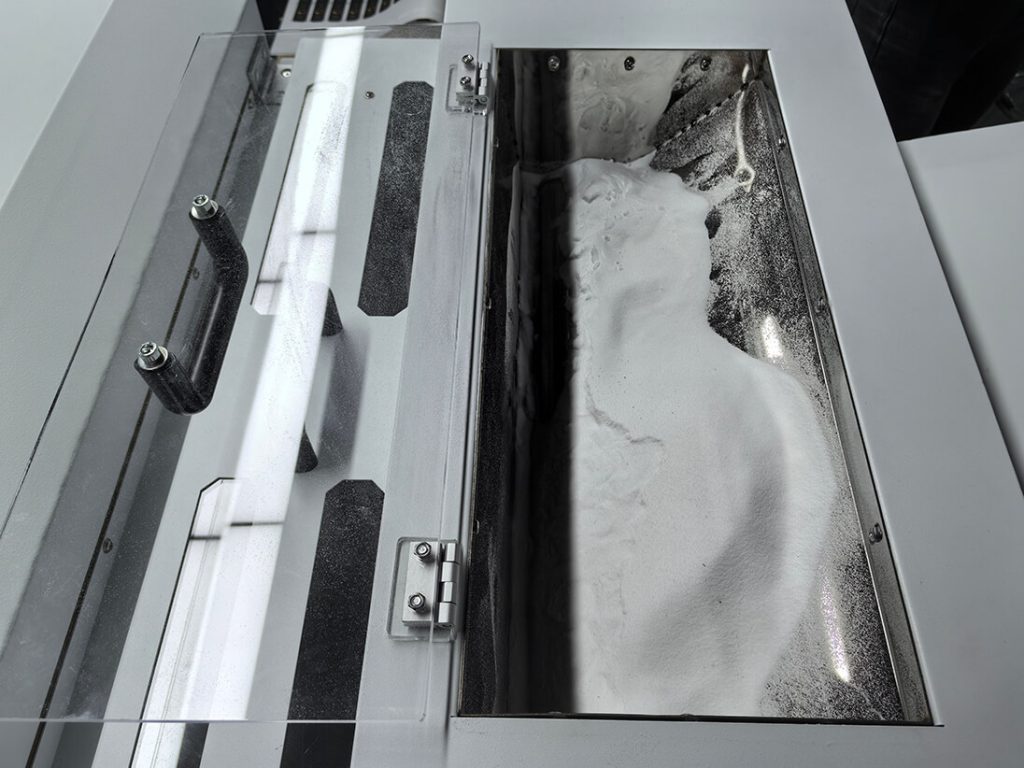
For the common wet-ink powder workflow described by PrintFactory and Roland, apply the matched adhesive to the wet print and process it according to the material supplier’s instructions. Check coverage, removal of loose excess and curing consistency without inventing a universal oven setting or a visual rule that certifies curing.
Record the powder identity, equipment, settings and observations. If the process changes or output becomes inconsistent, retain a sample and consult the supplier before continuing the batch.
Verify the heat press on the actual garment
Transfer Express lists different application and peel requirements for named transfer products. Those instructions belong to those products. Select the recipe supplied for your exact transfer materials and stay within the garment’s heat limits.
| Item to record | What to verify |
|---|---|
| Temperature and dwell time | Material instructions, press condition and the actual sample result |
| Pressure and contact | Even contact at the print area; seams and hardware do not obstruct it |
| Peel method and timing | Exact film instructions, including any required cooling |
| Finishing press | Only if specified for the transfer system, with the stated cover material |
Do not assume cold peel is stronger than hot peel across different films. Keep the specified method fixed during comparison trials. Check for lifting, missing detail, heat marks and garment damage after transfer.
Agree care instructions and test finished samples
Combine the garment care label with the transfer supplier’s care instructions. Confirm any waiting period before washing, detergent restrictions, drying and ironing limits for that combination. Where the instructions conflict, resolve them with the suppliers before promising a care method to the buyer.
Agree the care test, inspection points and acceptable changes with the customer. Keep an unwashed control and labeled tested samples. Record wash and drying conditions, color change, cracking, lifting, stretch behavior and changes to the garment. A test on one fabric or garment color does not qualify every fabric or lot.
Provide the approved care instructions on labels or hangtags. The HY-60 wash-label printer is an option for producing care labels in-house; the label printer does not determine the decoration’s durability.
Use maintenance records to catch variation
Follow the actual printer and consumable manuals for nozzle checks, white-ink handling, cleaning and idle storage. Do not turn a generic blog checklist into an instruction to purge or alter the machine’s maintenance schedule.
During production, compare representative finished samples with the approved reference and retain process records. If a defect returns, change one controlled variable at a time and retest. Garment chemistry, material batches, equipment condition and customer care can matter; they are not all controlled by the printer operator.
Build a documented approval process
Keep the approved sample, material identities, RIP settings, transfer record and care-test result together. Requalify after relevant material or process changes instead of relying on a blanket durability promise.
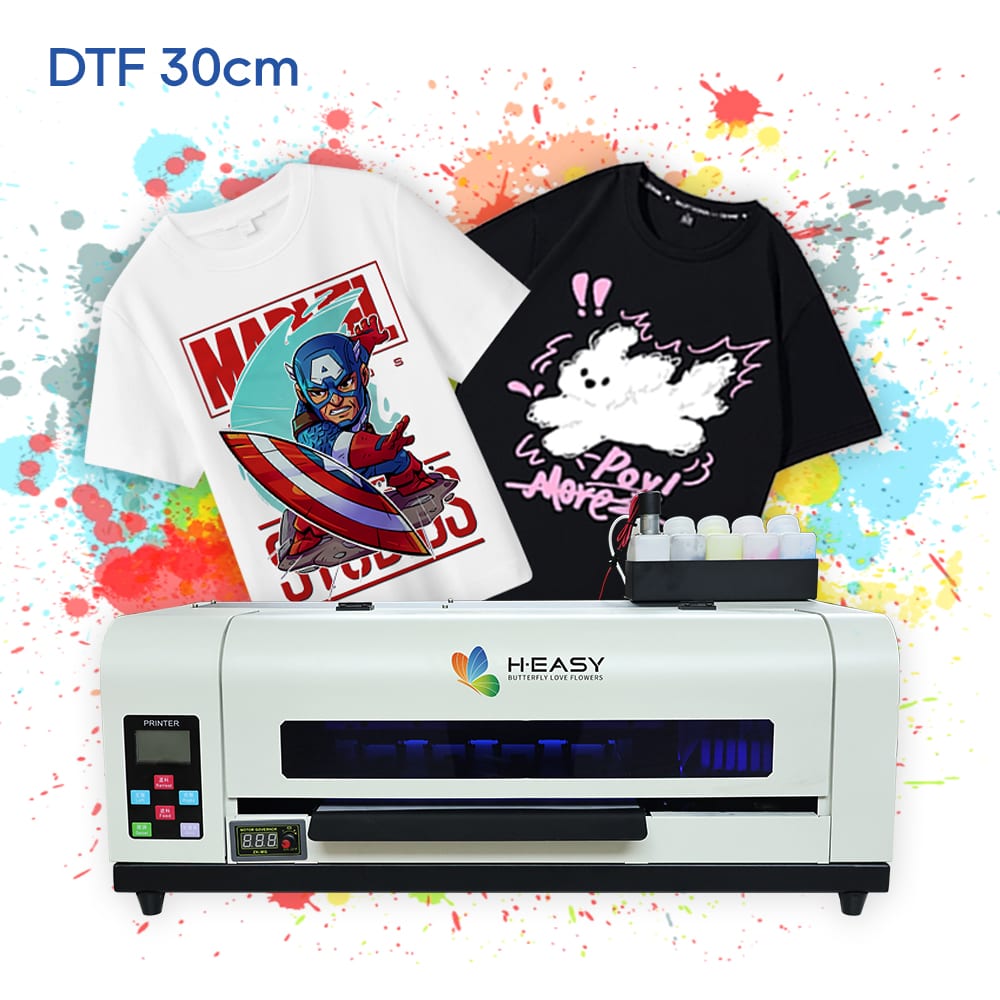
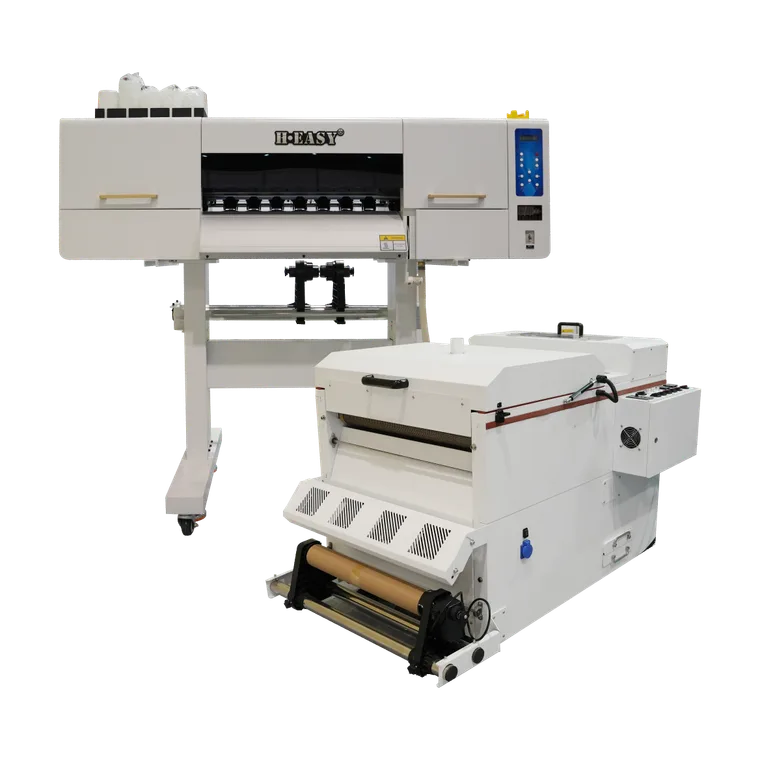
Compare the HY-401 desktop DTF printer and HY-702 production DTF printer with a sample job made from your actual materials. Ask for the complete transfer workflow and the evidence needed to approve it.
Sources and references
- Direct-to-Film (DTF) Printing: Key Terms for PrintFactory UsersWhite ink provides the color foundation; powder is the adhesive, and application settings depend on the materials.
- VersaStudio BY2-20 DTF PrinterAn example of a coordinated printer, RIP, ink, film and powder workflow; its product-specific settings are not universal.
- UltraColor Transfer Comparison ChartNamed transfer products have different fabric, pressing and peel requirements; ratings apply only to the specified product.
- Dye Migration Handbook, Vol. 1Polyester dye migration differs from opacity, can appear after pressing and varies by garment and dye lot.
Printers matched to this guide