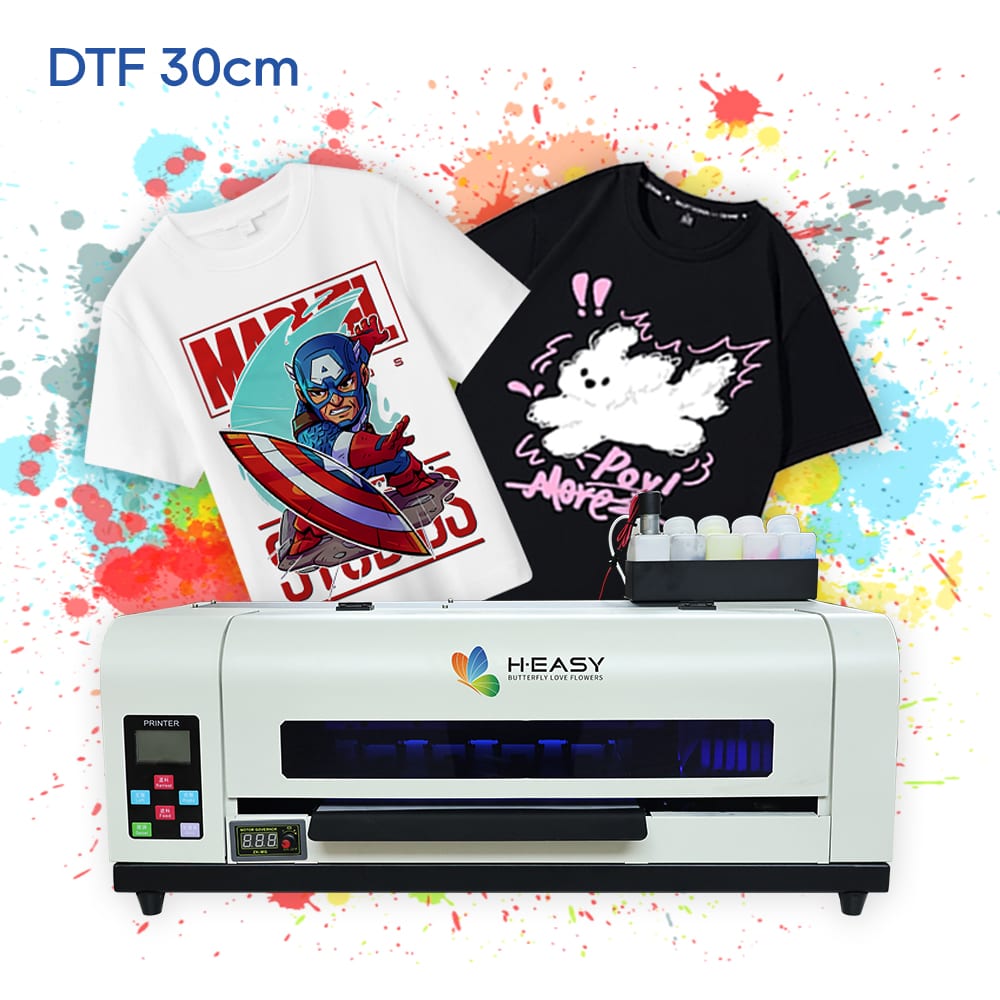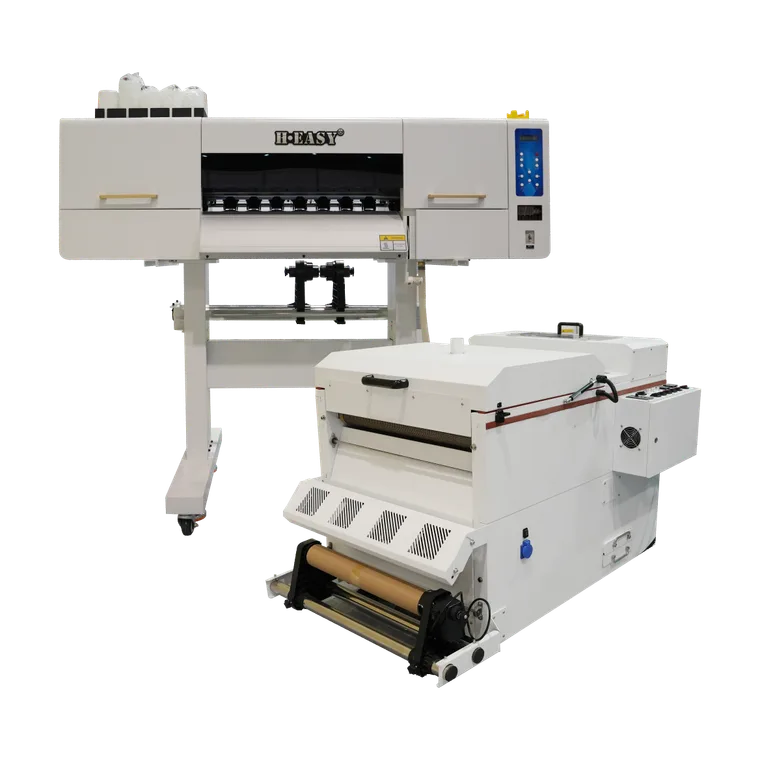
DTF Color Accuracy: A Calibration and Print-Approval Workflow
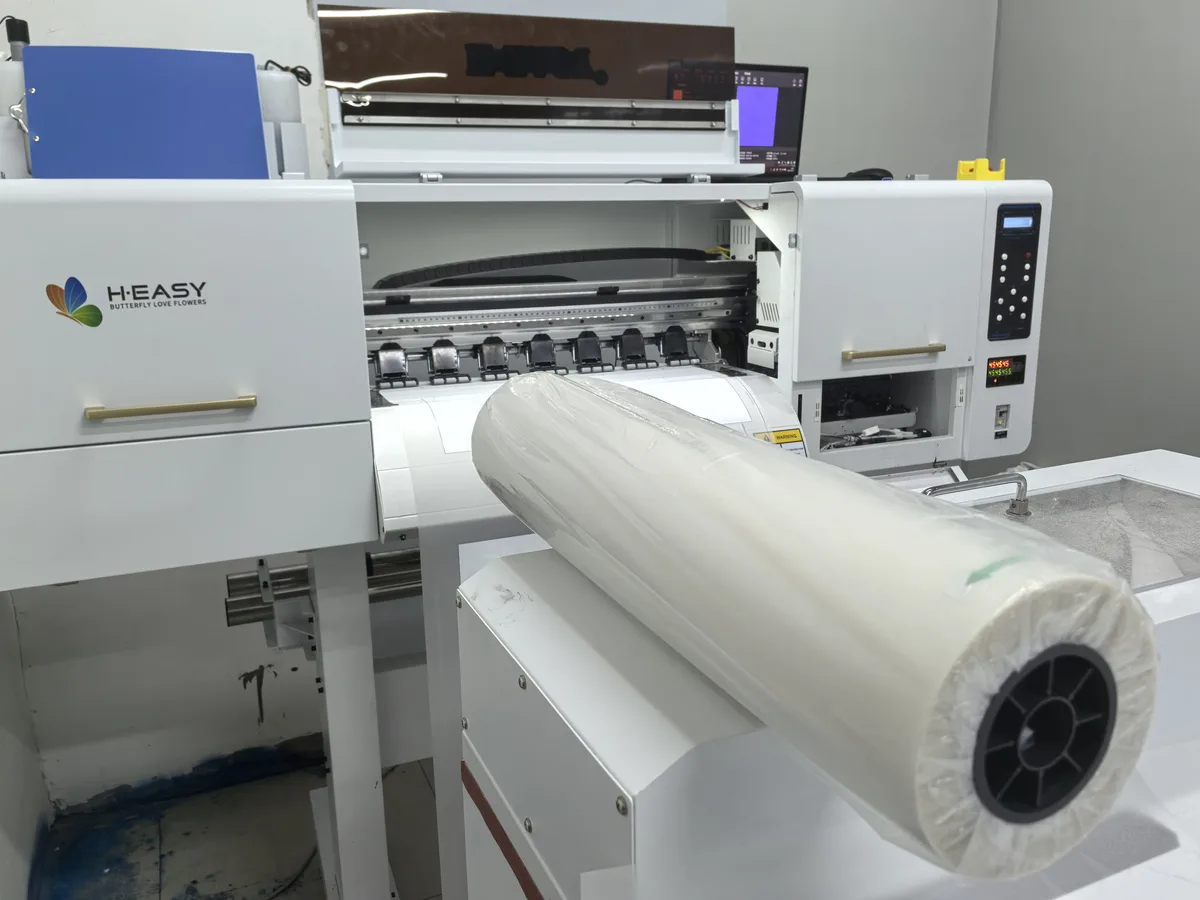
DTF color accuracy is controlled across the printer, RIP, white layer, transfer process and finished garment. A pleasing image on film or a bright screen preview is not a color approval. Define the target and acceptable variation, then prove the finished decoration against them.
The useful objective is a repeatable, documented match for an agreed job, not “perfect prints every time.” This workflow helps an operator find the source of a mismatch without compensating for a printing or transfer fault by repeatedly editing the customer’s artwork.
Define the reference and approval method
Obtain the original artwork and any embedded color profile. Ask whether the buyer will approve a physical sample, specified brand colors or a visual match to an existing garment. A screenshot alone does not define a reproducible physical color target.
Agree the viewing conditions and, for measured approval, the instrument, measurement setup, color-difference formula and tolerance. Record how samples are conditioned and presented. Datacolor’s textile measurement guidance explains why texture, translucency, backing and instrument geometry affect comparability. Use the same approved method for the reference and subsequent samples; do not compare unlike measurement conditions as if they were one test.
Also approve fine details, gradients, edge cleanliness and hand. A numerical color result cannot stand in for every aspect of a wearable decoration.
Stabilize the physical process before profiling
Start with the manufacturer’s nozzle check and required maintenance. Resolve missing nozzles, inconsistent feeding or color/white misalignment first. Mark the ink, film and powder identifiers, selected print mode, garment article and color, and curing/press equipment.
Use the matched consumable instructions and record the transfer conditions, including peel and any final press. Keep these fixed during the color trial. If one sample is under-transferred and another receives a different press cycle, the comparison does not isolate RIP color behavior.
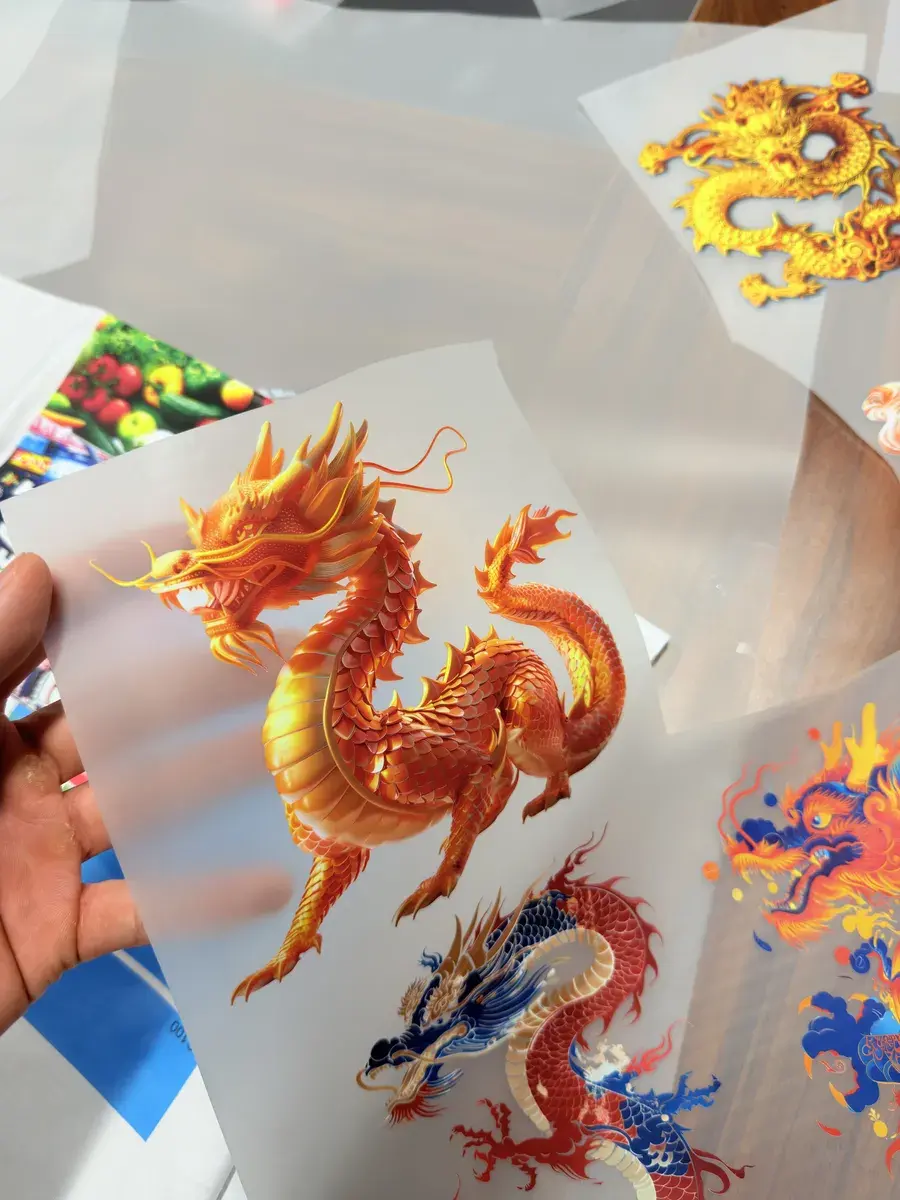
Check artwork and the white layer deliberately
Keep input-profile handling explicit. Roland’s RIP documentation identifies the input profile, matching method and embedded-profile choice as separate settings. Record the corresponding choices in your actual RIP instead of making undocumented conversions in several applications.
The white layer also belongs in the approved mode. Roland’s DTF media examples use different white foundations for light and dark receiving materials. PrintFactory documents white generation, alignment, choke and screening controls. These are examples of the decisions to validate, not universal settings for another printer or RIP.
Inspect a solid white area and a dark-edged shape on the intended garment. Check opacity, halos, missing small features and hand. Correct the printer’s mechanical alignment before treating a software offset as the cure. Save light/dark or artwork-processing variants with unambiguous names, rather than quietly overwriting an approved mode.
Calibrate, characterize and verify the finished transfer
Use the profiling tools supported by the supplied RIP and printer driver. Fiery’s profiling documentation describes output profiles as specific to a print system, substrate and quality settings. A profile with a familiar name is not automatically valid for a different ink or production mode.
PrintFactory’s DTF-specific procedure provides a particularly useful check: its profiling charts are transferred onto shirts and measured as production jobs will be made. Apply that finished-output principle when defining your own supported calibration workflow.
- Establish the approved white foundation. Compare the relevant test outputs on the intended garment, including alignment and fine details.
- Run the RIP’s calibration and ink-control steps. Follow its supported linearization and total-ink procedure; retain the chart and settings.
- Characterize the production output. Process the profiling target through the same printing, powder, curing, transfer and finishing route. Measure the finished chart using the agreed textile method.
- Build and name the output mode/profile. Include the printer, ink, consumables, garment class, quality mode and revision in its record.
- Verify independently. Print the buyer’s artwork and separate check patches with the new setup. Assess the agreed colors and visual features, rather than judging only the chart used to build the profile.
If a requested color lies outside what the setup can reproduce, agree an acceptable approximation with the buyer or change the qualified process. Do not hide a miss by changing the reference or using a looser measurement method after the test.
Separate color faults from transfer faults
| Observation | First comparison to make | Evidence to keep |
|---|---|---|
| Similar shift across the finished chart | Input profile, output mode and unchanged materials | Original file, RIP setup and measured chart |
| Bands or inconsistent solids | Nozzle pattern and feeding versus the approved baseline | Nozzle check and affected print |
| Pale color on a dark garment | White foundation and receiving garment versus the approved sample | Finished light/dark comparisons |
| White or pale areas change after pressing | Immediate and delayed garment-color/migration comparisons | Control garment and dated samples |
| Small details remain on the film or edges lift | Transfer, peel and adhesive process versus the approved route | Film residue and finished sample |
These are diagnostic starting points, not a claim that one symptom has only one cause. Change one controlled variable, label the trial and retest. For material-specific checks, use the jersey, denim and canvas DTF guide.
Keep an approval record that production can reproduce
The record should contain the reference and artwork version, garment and consumable identifiers, printer and RIP mode, white settings, profile revision, transfer procedure, measurement method, viewing conditions and acceptance result. Retain a labeled finished master sample and the failed trials that explain any corrective action.
Run a control sample at the agreed production checkpoints. Recheck after material or process changes, and do the agreed care test before making a wear-performance claim. This page sets no universal color-difference threshold or wash rating.
For a system discussion, compare the current HY-401 and HY-702 product pages and request a DTF sample review with your artwork, color reference and garments. If the intended process is direct printing on garments, use the separate DTG demonstration checklist to evaluate pretreatment, loading and curing as part of that workflow.
Sources and references
- Direct To Film (DTF): Color Profiling and White ControlDTF printer-media-mode profiling, white and alignment evaluation, and measuring charts on shirts processed like production jobs.
- Direct-To-Film (DTF): Image ProcessingDocumented white generation, screening and artwork-processing options; duplicate the existing mode before editing.
- Media ListDTF modes for light versus dark receiving materials use different white-layer settings; these are vendor-specific examples, not machine compatibility claims.
- Customizing the Color SettingsInput profile, rendering method and embedded ICC-profile handling are explicit RIP decisions.
- Fiery Printer ProfilerOutput profiles characterize a particular print system, substrate and quality setting using measured color patches.
- Best Practices for Measuring Color SamplesConsistent textile conditioning, presentation, backing and instrument settings are required for comparable color measurements.
Printers matched to this guide