DTG Printer Demo Checklist: 12 Checks Before You Invest

A useful DTG printer demo tests your garments through the complete process: pretreatment, loading, printing, curing and final inspection. Judge the saleable garment and the operator’s workflow, not only an attractive print shown beside a machine.
The following 12 checks are for garment DTG evaluation. They are not a roll-to-roll fabric-printer checklist, and they do not turn a manufacturer’s reference print time into guaranteed production output.
Prepare a representative demo job
Send the garment article, fiber composition, color, finish, lot and decoration location in advance. Include the sizes and constructions your operators must actually handle, such as a dark T-shirt and the intended hoodie. Supply your own artwork with its color reference, small lettering, gradients and solid areas. Agree which finished samples will be kept for later care testing.
The Epson DTG manuals cited below illustrate why nozzle condition, white ink, pretreatment, platen setup and fixing belong in the evaluation. Their machine settings are not prescriptions for a different printer. Ask the supplier to document the instructions for the exact quoted system.
The 12-point DTG demonstration checklist
1. Confirm the job and machine configuration
Write down the demonstrated model, ink set, RIP and version, print mode, platen, pretreatment and curing equipment. Match them to the quotation. Make sure the supplier is printing the agreed garment and artwork, rather than substituting an easier blank or a specially prepared file.
Keep: the job sheet, configuration list and garment identifiers.
2. Inspect nozzle output before the sample run
Ask for the machine’s prescribed nozzle check, including white where used. Inspect the printed pattern before judging image quality. If output is missing, follow the manufacturer’s maintenance procedure and repeat the check. Do not accept a color correction as the explanation for an unresolved nozzle fault.
Keep: the dated nozzle check and any cleaning/recheck record.
3. Demonstrate pretreatment on the actual garments
Observe application, coverage and drying on the intended dark and light materials. Record the pretreatment product and its supplier-approved procedure. Inspect the prepared area for uneven application, residue, creasing and garment changes. A garment prepared off-camera does not show whether your operator can repeat the preparation.
Keep: preparation records and both treated and untreated control pieces. See the DTG pretreatment guide for the workflow questions to discuss.
4. Check platen access, thickness and print placement
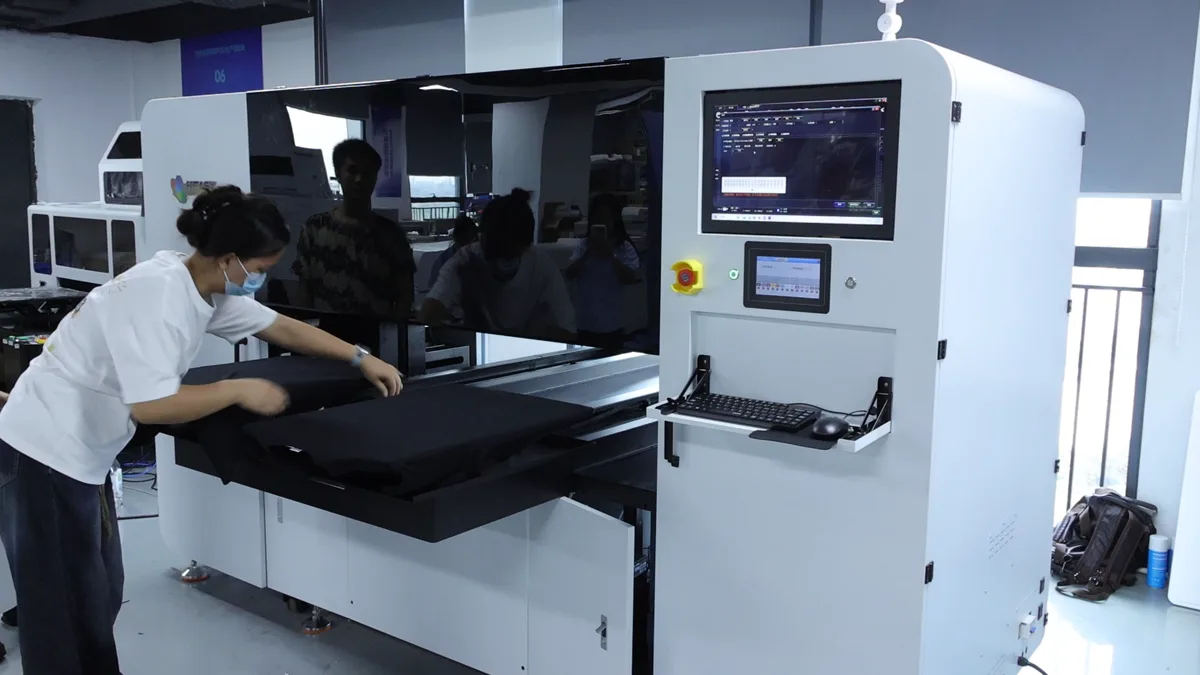
Load the real garment, flatten the print area and demonstrate the required height or gap setup. Include seams, pockets or hooded constructions relevant to your work. Confirm that loading is safe and repeatable without forcing the intended decoration onto an unsuitable platen.
Keep: photos of the loading position, platen identity and approved setup.
5. Inspect color and usable detail after curing
Evaluate the buyer artwork at its intended size: small text, fine lines, gradients, dark solids and the agreed brand colors. Compare finished samples with the reference under agreed viewing conditions. If color is measured, record the instrument and acceptance method, not just a verbal “looks good.”
Keep: the original file, RIP settings and labeled finished reference print.
6. Evaluate the white foundation on dark garments
Check white coverage and the edges where white and color meet. Look for visible misalignment, unwanted halos, weak coverage and an unacceptable hand. Confirm which white-generation settings and print mode produced the sample. Ask the operator to explain how those settings are retained for the next order.
Keep: the dark garment sample and its white-layer setup.
7. Reload garments and check consistency
Have the operator unload and reload more garments using the same job and settings. Inspect placement, edge quality, white coverage and color between pieces. Repeated loading is a different test from printing several times on a single carefully positioned garment.
Keep: labeled repeated samples and any rejected pieces with their reasons.
8. Time finished, acceptable output
Time preparation, loading, printing, unloading, curing and inspection as well as the machine’s printing interval. Record the operator count, any parallel operations, interruptions and rework. Count accepted pieces separately from pieces started.
Keep: a timed workflow record tied to the actual artwork and quality mode. Use it to discuss the order mix you intend to run; do not assume a demo proves an entire shift’s output or every design’s cycle time.
9. Verify the fixing equipment and procedure
Ask the supplier to identify the approved press or tunnel route, actual settings, required measurement and any final processing. Observe how the operator confirms the fixing condition rather than relying only on a display setpoint. Press and tunnel conditions are not automatically interchangeable. Inspect for garment discoloration, heat marks or unwanted finish changes.
Keep: the fixing procedure and readings from the demonstrated equipment.
10. Agree care and use acceptance before purchase
Retain cured samples and the buyer’s care instructions. Agree the waiting or conditioning period, wash/dry procedure and number of repetitions, plus any rub or movement checks relevant to use. Inspect the same areas before and after, recording lifting, cracking, fading, color change and garment damage.
Keep: the method, control sample, photos and actual result. An attractive fresh print is not a wash test, and no universal wash rating is assumed here.
11. Observe maintenance and restart tasks
Ask the operator to demonstrate the prescribed daily tasks, white-ink handling, cleaning access and waste handling. Discuss idle/storage procedures and a manufacturer-approved restart demonstration. Record the labor and consumables involved; white-ink maintenance can consume ink even when a job uses no white.
Keep: the maintenance schedule, demonstrated steps and consumable list. A circulation or automatic-cleaning feature is not permission to skip the manual’s required tasks.
12. Confirm installation, support and quotation scope
Check the required power, operating environment, machine access, workstation, pretreatment area and fixing equipment against your site. Request an itemized list of included platens, software, consumables, training and installation, with exclusions and service arrangements stated. Confirm how your operators will get supported settings for the garments that passed the demo.
Keep: the site requirements, dated quotation and agreed acceptance record. Do not infer a production budget from the printer purchase price alone.
Make the approval decision explicit
Mark each check accepted, failed or not yet demonstrated. Connect the accepted sample to its garment, materials, settings and operator workflow. Resolve failed checks before purchase acceptance; list incomplete tests with an owner and a required follow-up, rather than recording them as passed.
If the intended jersey or coated item does not pass the proposed DTG route, evaluate a separate transfer trial using the jersey, denim and canvas DTF guide. For that alternative, use the DTF color calibration and approval workflow for finished transfers. A successful demonstration of one process does not qualify the other.
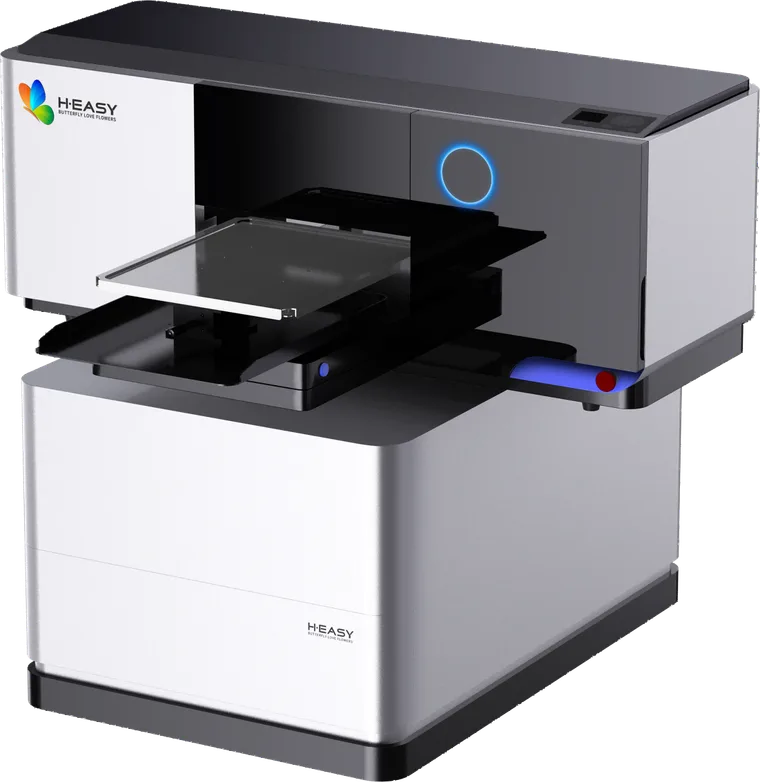
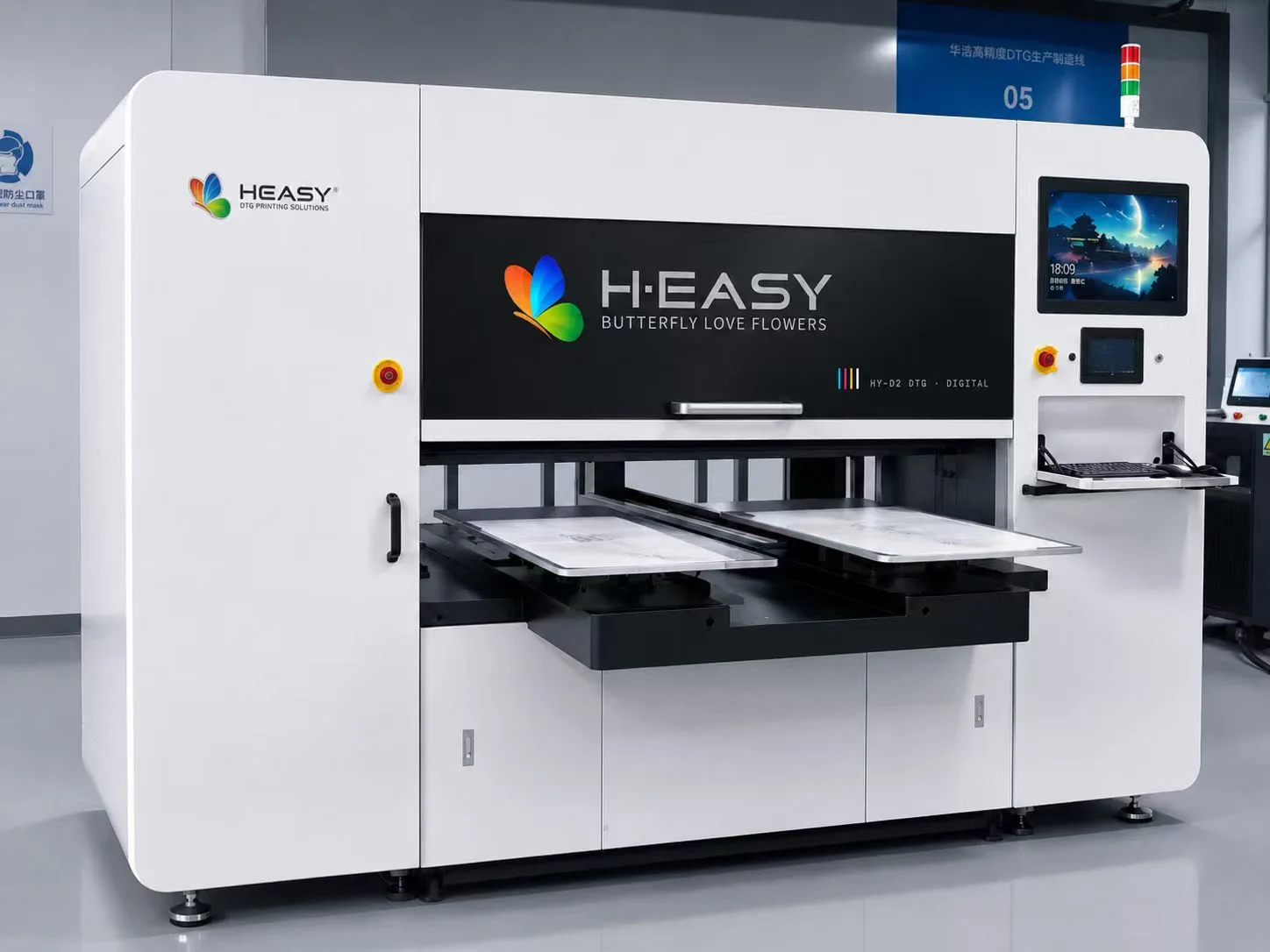
Start a model discussion with the current HY-4050 DTG page or HY 2D DTG pigment page, then request a garment-specific demo. Send the garment description, artwork, reference, order mix and the checks you need demonstrated so the proposal can address your actual production job.
Sources and references
- Required Equipment: Printing on T-shirtsGarment, pretreatment, platen and fixing equipment belong in a DTG workflow; test fabrics and use the appropriate matched pretreatment.
- Performing a Nozzle CheckCheck a printed nozzle pattern and resolve missing nozzle output before judging print quality.
- Handling White InkWhite-ink settling and maintenance matter; maintenance can consume ink even when jobs use only color ink.
- Determining the Height of the PlatenPlaten setup must suit the platen and media thickness; do not assume one loading setup fits every garment.
- Fixing Conditions: Heat PressPress fixing depends on the ink, garment and press; excessive heat, duration or pressure can affect polyester and the print.
- Fixing Conditions: Heat TunnelTunnel fixing conditions need equipment-specific testing and concern the garment fixing-surface temperature, not merely the tunnel setpoint.
Printers matched to this guide