Custom T-Shirt Production Trends: Choosing a Workflow
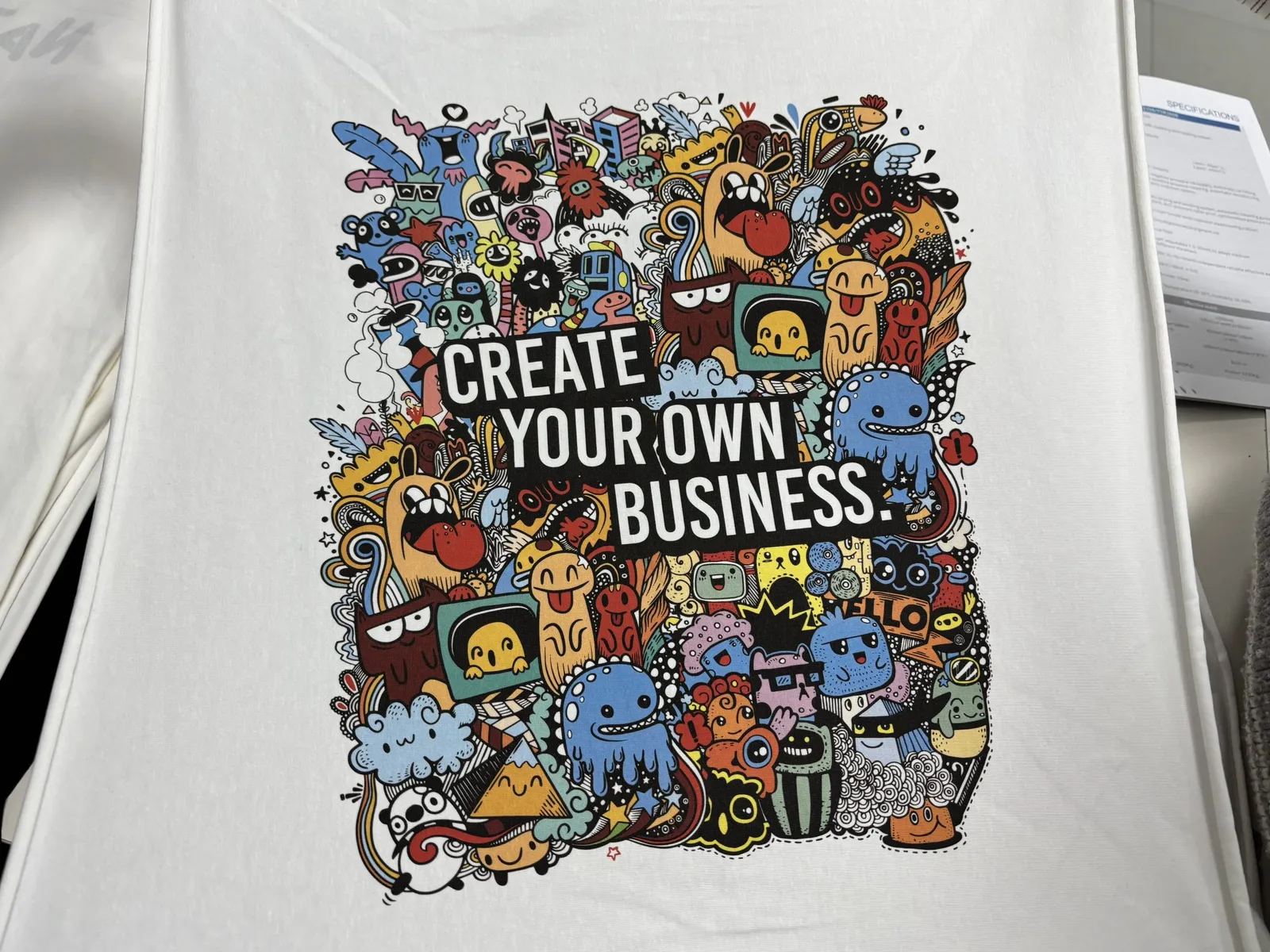
The practical direction in custom T-shirt production is not one printer that does everything. It is a routed workflow: each order goes to DTG, DTF, sublimation or screen printing according to the garment, artwork, order mix, required hand feel and finishing steps. A shop that records those decisions can quote and reproduce a reorder with fewer surprises; a shop that routes by habit usually discovers the mismatch after printing has started.
The equipment matters, but the production decision begins before a file reaches the RIP. The first task is to define what the buyer is actually ordering.
Start with the order, not the machine
Five inputs determine whether a custom T-shirt job fits a production route:
- Garment composition and construction. Fibre content affects ink, pretreatment, transfer adhesion and heat response. Seams, pockets, zippers and platen clearance affect whether the garment can lie flat.
- Artwork behavior. A small one-color chest mark, a photographic image and a full-front solid print place different demands on detail, underbase, ink or transfer coverage and curing.
- Order shape. A repeat design across many sizes is a different scheduling problem from many personalized designs in the same total quantity.
- Requested finish. Some buyers prioritize a print that feels integrated with the garment; others prioritize fabric flexibility, strong color on a dark blank or easy replenishment.
- Reorder requirements. A sample that looks good once is not enough when the same customer may return later. The process must preserve the approved file, blank, settings and finishing conditions.
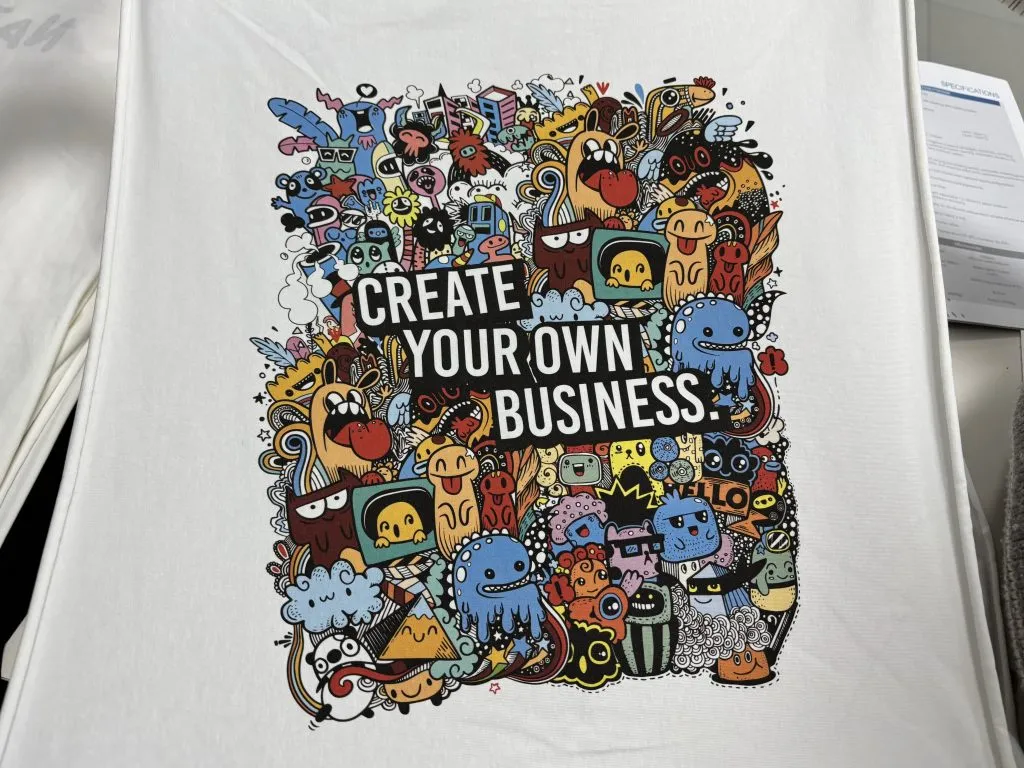
These inputs should appear on the job ticket before an operator selects a machine. That simple sequence prevents a common production mistake: choosing a process because it is available, then trying to make the garment conform to it.
Compare the four main production routes
The methods overlap, but each has a different production constraint.
| Route | How the image reaches the shirt | Best starting point | Main control points |
|---|---|---|---|
| DTG | Pigment ink is jetted directly onto the garment | Cotton-rich garments and direct-print hand feel | Blank consistency, pretreatment when required, white underbase, curing |
| DTF | Ink, adhesive powder and film form a transfer that is heat-pressed onto the garment | Mixed garment types and batch transfer production | Film, powder, cure, press settings, peel behavior and adhesion |
| Sublimation | Disperse dye transfers under heat and diffuses into suitable polyester | Light-colored polyester and polyester garment panels | Fabric suitability, transfer paper, heat, time, pressure and dye migration |
| Screen printing | Ink is pushed through a prepared screen onto the garment | Repeat designs that justify screen preparation | Screen setup, registration, ink deposit and cure |
DTG when the garment is part of the print system
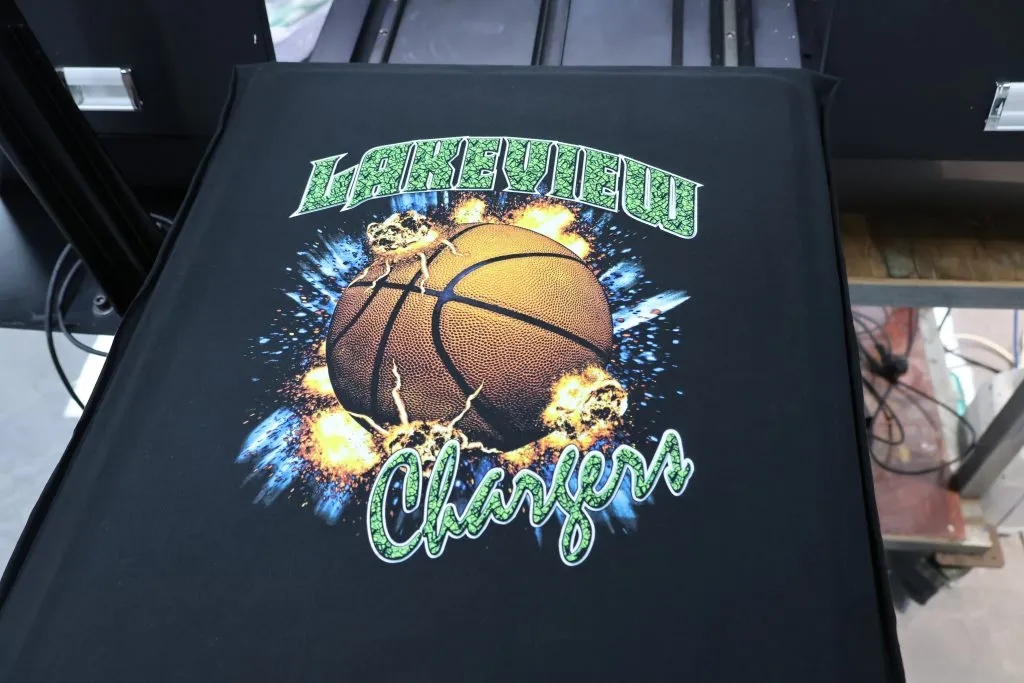
DTG prints directly onto the loaded shirt, so the blank is not just a carrier. Its fibre content, knit, surface treatment and absorbency all influence the result. Dark garments normally add a pretreatment and white-underbase stage, which must be even before color is printed.
This route fits cotton-rich apparel when the buyer values a direct print and a soft garment feel. It also suits changing artwork because there is no physical screen to remake. The tradeoff is that every garment enters the print path, so loading, pretreatment, curing and blank variation are production controls rather than secondary details.
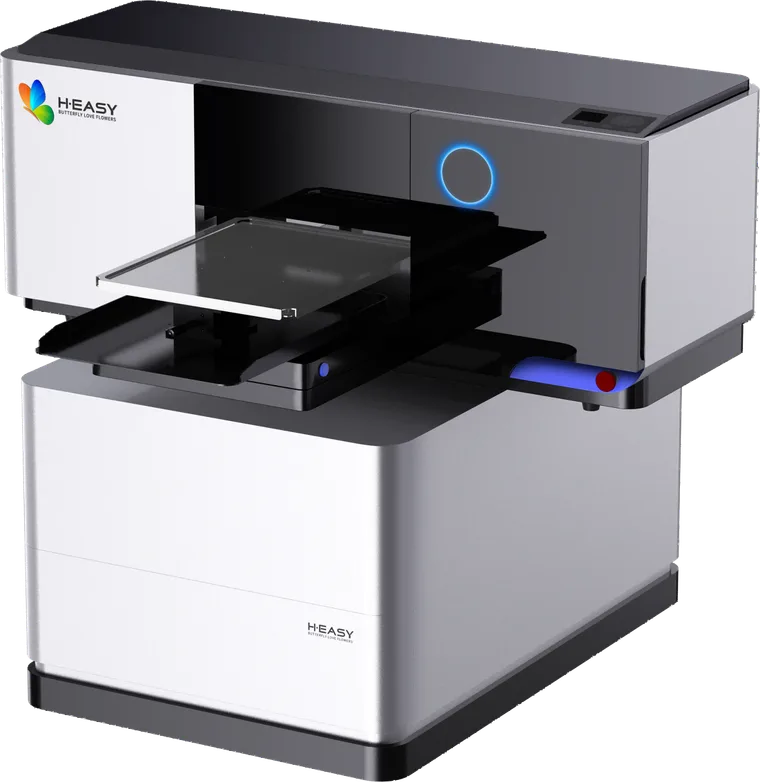
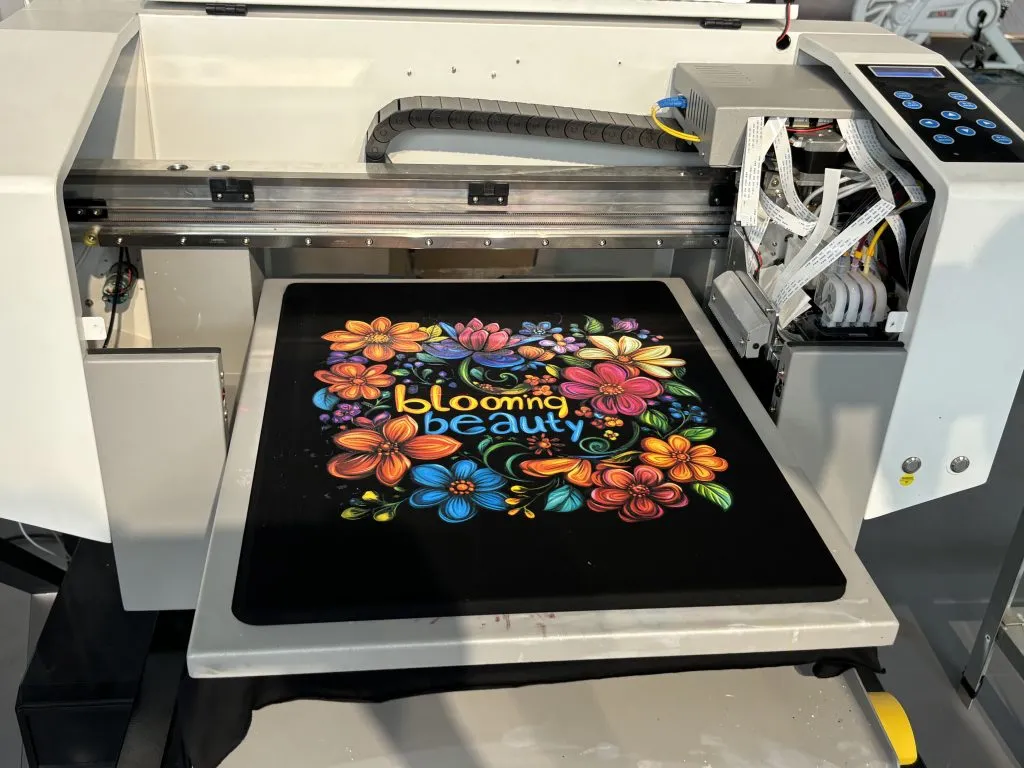
The HY-4050 DTG printer is the current product-page route for cotton apparel work; its page also lists the surrounding pretreatment and curing considerations that belong in a complete line.
DTF when printing and garment finishing need separate queues
DTF creates a transfer before the garment reaches the heat press. That separates image production from final application: transfers can be arranged in print batches, while garments can be sorted and pressed in another queue.
This is useful for mixed garment work, but broad compatibility is not permission to skip testing. Stretch fabrics, heat-sensitive finishes, coated surfaces and unusual dyes can change adhesion, surface marks or color migration. The actual blank still needs a qualified press and wash test.
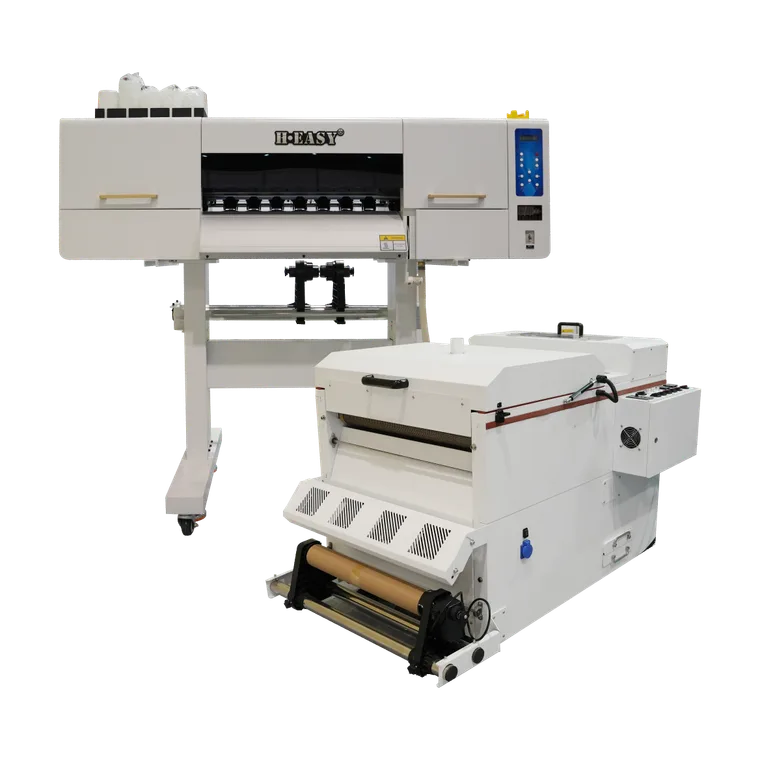
The complete DTF workflow guide explains the film, powder, curing and pressing sequence. For a production-scale transfer route, the HY-702 DTF printer links printing with inline powder application and curing; the garment is pressed afterwards.
Sublimation when polyester is the design material
Sublimation is not a general substitute for DTG or DTF. The dye needs suitable polyester, and because it is translucent it normally belongs on light material. When those conditions are correct, the color becomes part of the polyester rather than a separate transfer layer on top.
That makes the route relevant to polyester sportswear and cut-and-sew garment panels, where all-over artwork and fabric handle can matter more than printing a finished cotton shirt. The sublimation versus DTG guide sets out the material boundary before equipment is compared.
Screen printing when repetition justifies setup
Screen printing starts with physical screen preparation and registration. That setup is difficult to justify for constantly changing personalized artwork, but it becomes productive when the same design repeats and the setup can be spread across the run.
The important comparison is therefore not “digital versus traditional.” It is the shape of the order. A stable repeat design and a queue of unique names may have the same garment count while requiring completely different production plans.
Artwork preflight is becoming production control
Custom artwork often arrives ready to view but not ready to manufacture. A useful preflight checks the output size, available image detail, transparent areas, small text, edges, intended garment color and print position. It also defines whether a white underbase or a transfer boundary will be visible.
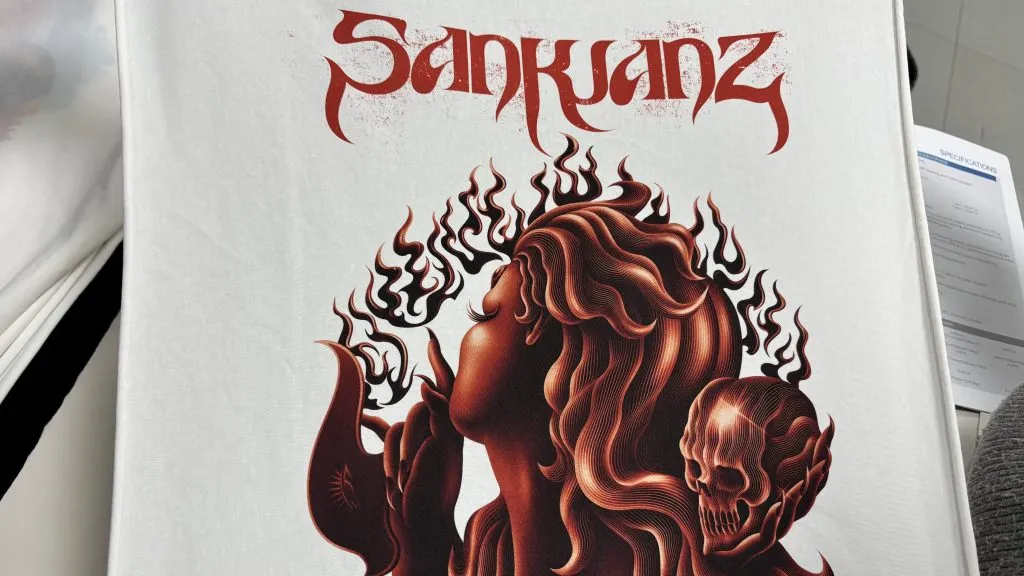
Preflight should end with a production file and a preview the buyer can approve. If an operator is expected to reinterpret the artwork at the machine, the job has not actually been prepared. That gap creates inconsistent reprints because the decision lives in memory rather than in the order record.
For variable names, numbers or one-off graphics, file naming and version control matter as much as the printer. The approved file must be tied to the correct garment, size and print location so personalization does not become a sorting error after printing.
Batch production and on-demand work can share one floor
On-demand does not mean every garment should move through the factory as an isolated job. Similar work can still be grouped by process, blank, pretreatment, transfer condition or finishing route. Batching those shared conditions reduces changeovers without combining customer artwork or losing job identity.
At the same time, long repeat runs need their own queue so a rush personalized order does not interrupt a stable setup. The production trend is therefore a mixed queue: flexible digital work and repeat work coexist, but their scheduling rules remain separate.
The DTG versus DTF production comparison is useful after the order mix is defined. Its cost categories should be filled with the shop’s own labor, consumables, spoilage and selling assumptions rather than treated as universal values.
Repeatability matters more than the first sample
A first sample proves that one combination can work. Production readiness means the result can be repeated after a shift change, a new garment batch or a later reorder. The job record should therefore keep:
- the artwork version and output dimensions;
- the blank supplier, style, color and identifiable batch information;
- the selected process and RIP preset or profile;
- pretreatment, curing or pressing conditions relevant to that route;
- an approved physical sample or clearly controlled reference;
- inspection notes for color, placement, adhesion, stretch and surface marks.
These records also make maintenance decisions safer. When output changes, the operator can separate a machine problem from a changed blank, file or finishing condition instead of adjusting every variable at once.
Automation starts with reliable job data
Automation is useful only after the route is defined. A job identifier can link the approved artwork, garment SKU, quantity, print position, process, settings and inspection status. Barcodes or production dashboards can then move that record between preflight, printing, pressing, quality control and packing.
Without that shared record, adding software only moves incomplete information faster. The practical sequence is to standardize the decision fields first, then automate handoffs that operators already understand.
Measure sustainability at the process level
No print method is sustainable merely because of its ink label or because it is digital. A useful production review measures what the actual route consumes and rejects: spoiled garments, test prints, pretreatment, film and powder, cleaning materials, transfer paper, curing or pressing energy and packaging.
Reducing a preventable reprint is often the clearest improvement because it avoids repeating the garment, print and finishing stages together. Accurate preflight, approved samples and saved settings therefore belong in both the quality plan and the waste plan.
A practical route for the next equipment decision
Before comparing printer specifications, prepare a representative order set and route it in this order:
- Confirm each garment’s fibre content, construction and heat sensitivity.
- Define the required print feel, artwork detail, placement and finish.
- Separate repeat designs from personalized or mixed-design orders.
- Choose the likely DTG, DTF, sublimation or screen route.
- Produce and inspect a sample on the actual blank.
- Record the approved settings and include every finishing stage in the quote.
For a mixed cotton and transfer operation, compare the DTG and DTF line options rather than evaluating the printer in isolation. The guide to starting a DTG operation also covers the surrounding workflow that a production plan needs.
When requesting a configuration, send the garment composition, artwork types, order mix, expected print sizes and required finish through the inquiry form. Those inputs allow a supplier to propose a test and workflow; a machine name alone does not.
Sources and references
- HY-702 product pageThe current model designation and integrated inline powder application and curing workflow referenced in the DTF section.
Printers matched to this guide