Direct-to-Fabric vs Transfer Printing: How to Choose
Direct-to-fabric printing applies ink to the textile itself; transfer printing creates the image on paper or film before moving it onto the textile. Neither route is universally better. The right choice follows the fiber, the required surface feel, the available finishing equipment, and the way orders move through the factory.
That distinction matters because the printer is only one station in either workflow. A direct line can depend on pretreatment, controlled drying, fixation, washing, and finishing. A transfer line adds carrier media, a press or calendar, release control, and carrier disposal. Comparing printer speed without those stages can select the faster machine and still create the slower factory.
Define the two workflows before comparing them
Direct-to-fabric printing
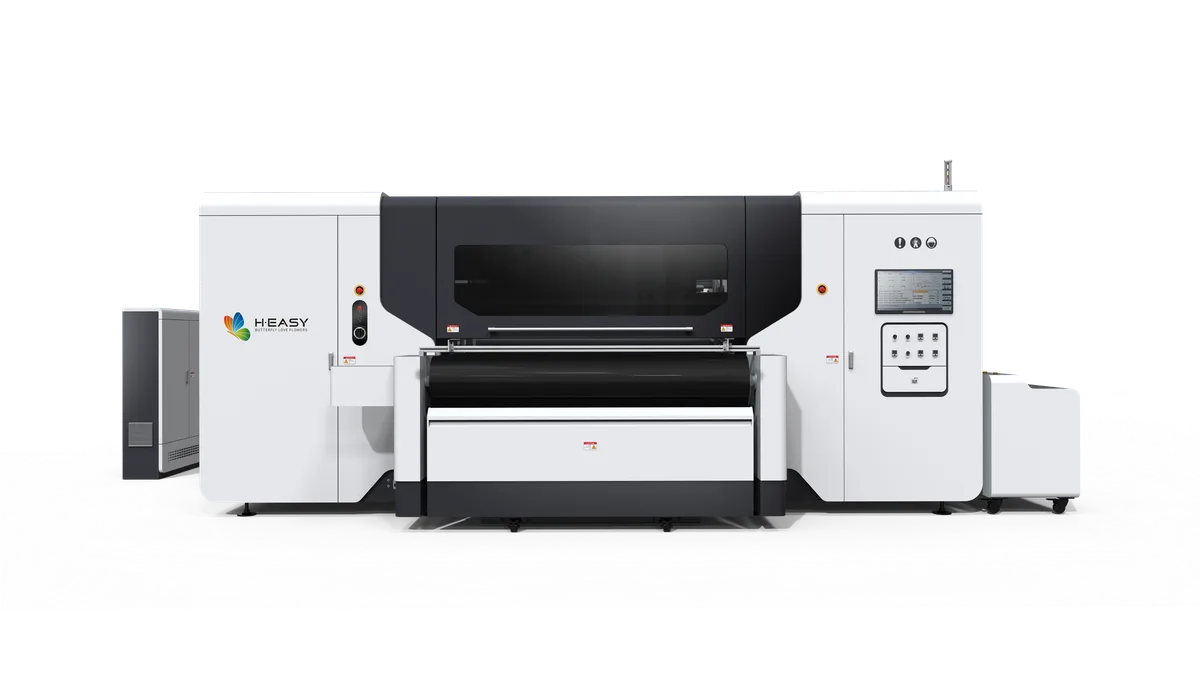
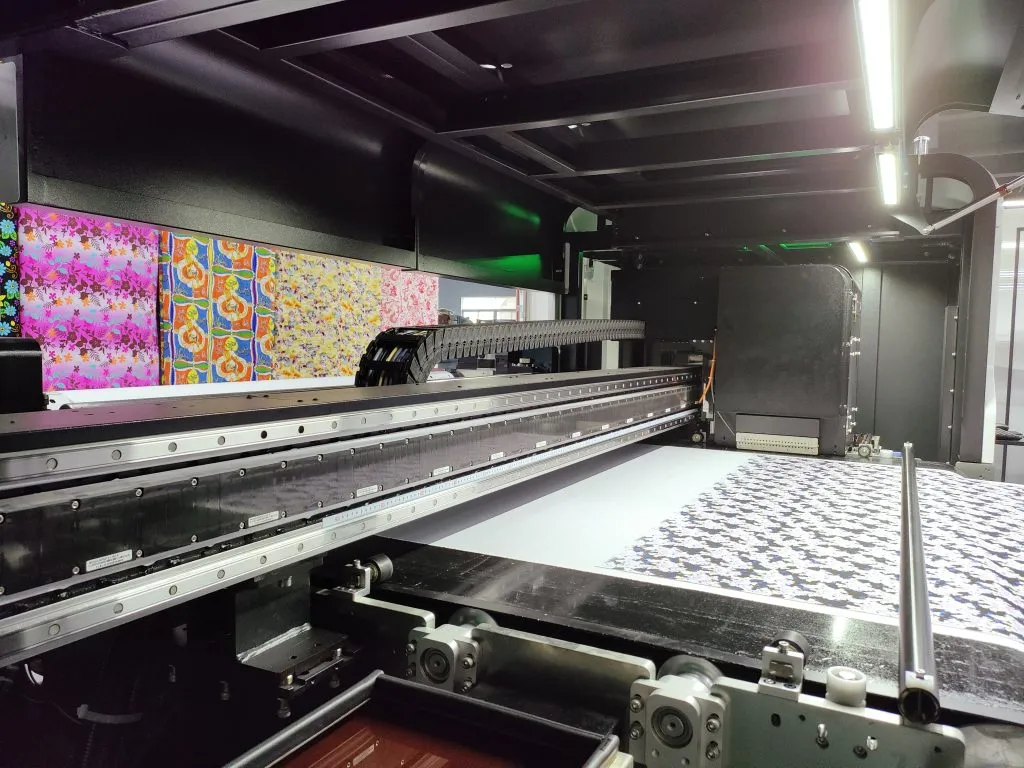
A direct textile printer jets the selected ink onto prepared fabric. What happens next depends on the ink chemistry and fiber. Some routes fix color with heat; others need steam, washing, or both. Pigment, reactive, acid, and disperse systems therefore should not be treated as interchangeable versions of one process.
A typical decision path is:
- identify the fiber and fabric construction;
- apply the pretreatment required by the ink route;
- print onto stable, correctly tensioned fabric;
- dry and fix the color under the conditions specified for that chemistry;
- wash or finish the textile when the route requires it;
- inspect color, hand, penetration, and defects before cutting or sewing.
The R2R ink workflow guide explains why the same roll-to-roll platform can lead to very different factory layouts once ink and fabric are selected.
Transfer printing
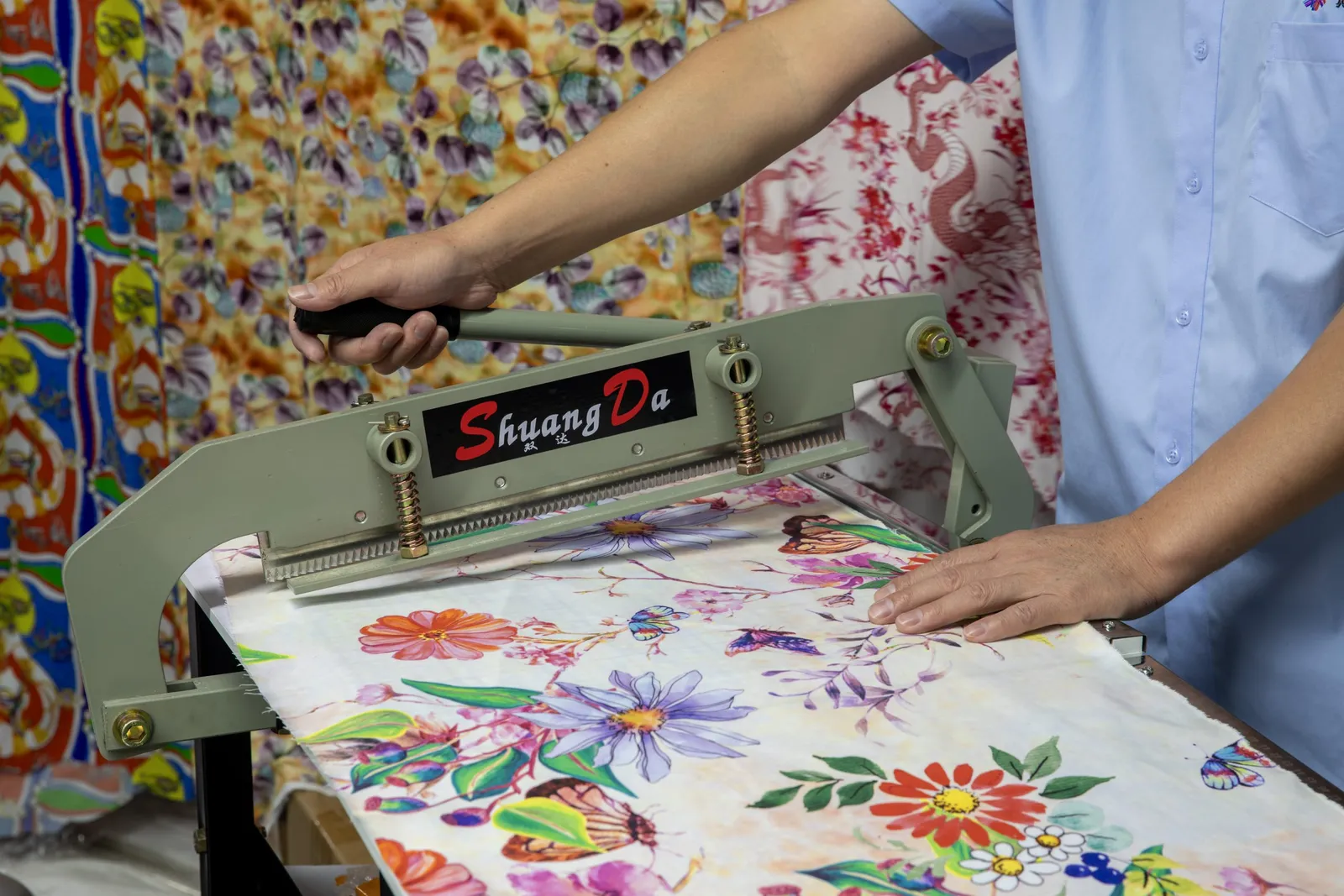
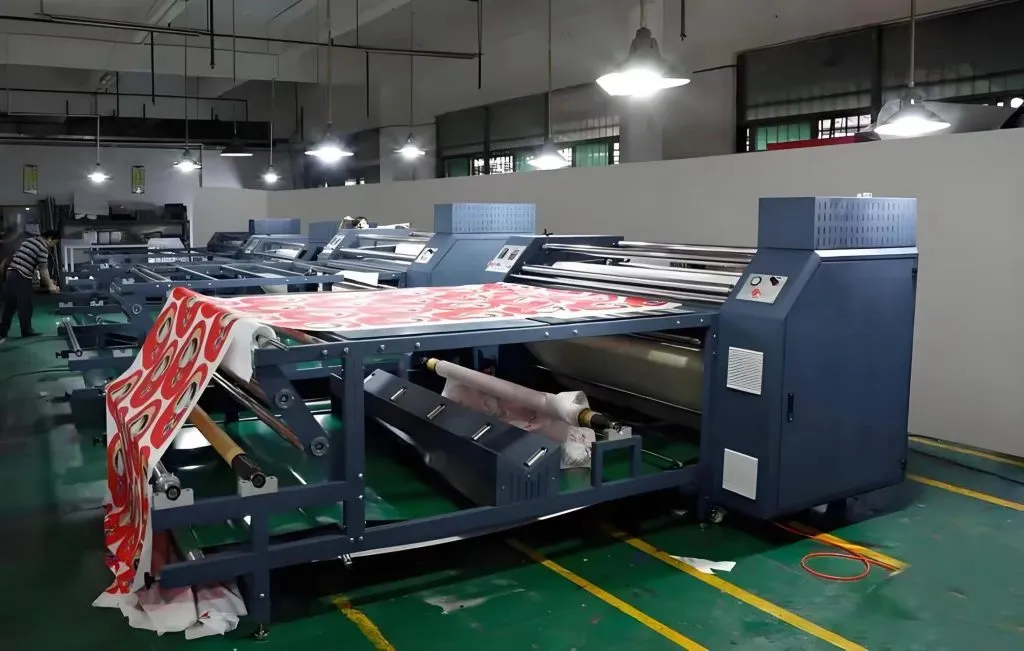
A transfer workflow separates image creation from image application. The printer creates a mirrored or transfer-ready image on a carrier. A later station uses controlled heat and pressure to move the color or printed layer onto the textile, after which the carrier is removed.
The word transfer covers different mechanisms. Sublimation paper transfers disperse dye into polyester. Film-based garment transfers place an ink, adhesive, and sometimes a white layer on the garment surface. Their fiber range, hand, curing window, and failure modes are not the same, even though both include a heat-transfer step.
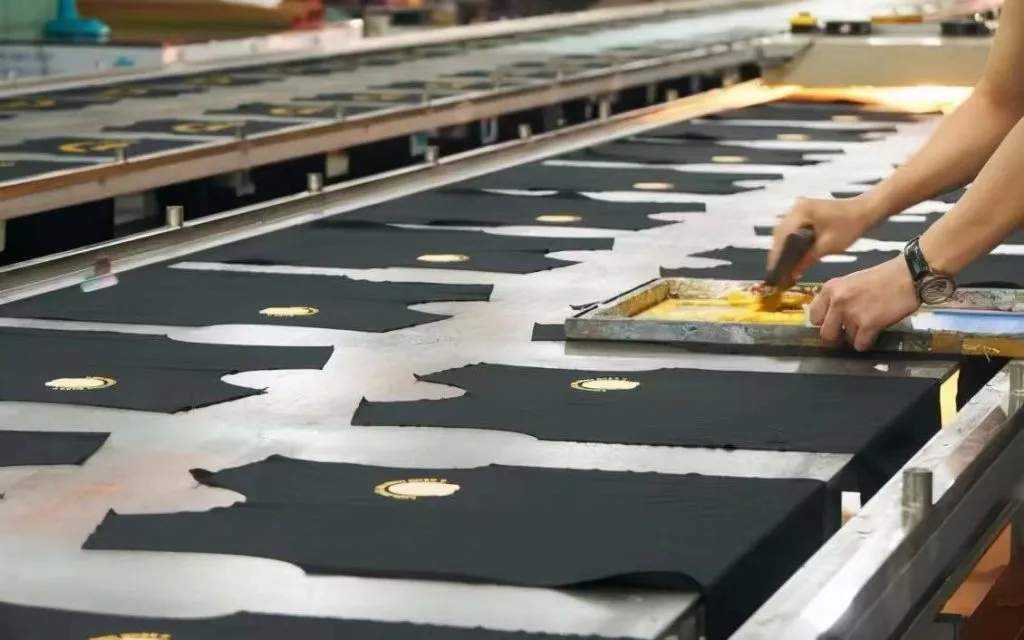
Screen printing is another separate category. An operator pushing ink through a mesh screen onto cut panels is not performing sublimation or digital transfer printing. Ask suppliers to name the carrier, ink, bonding mechanism, and fixation step; broad labels can hide completely different production lines.
Compare the decision factors, not the labels
| Decision factor | Direct-to-fabric route | Transfer route |
|---|---|---|
| First material to receive ink | Prepared textile | Paper or film carrier |
| Fiber decision | Ink and pretreatment must suit the fiber | Carrier and transfer chemistry must suit the final substrate |
| Main finishing demand | Drying, fixation, and sometimes washing | Heat and pressure at a press or calendar, then carrier release |
| Surface feel | Can remain close to the textile, but binder and laydown still matter | Sublimation has no added film; adhesive-film transfers create a surface layer |
| Common production control | Fabric absorbency, tension, nozzle condition, and fixation | Carrier stability, moisture, registration, heat, pressure, and release |
| Inventory pattern | Print directly on the final roll or garment | Print carriers first, then transfer against demand |
| Typical bottleneck | Pretreatment or post-print finishing | Press/calendar capacity and carrier handling |
This table is a screening tool, not a promise of quality. Fabric construction, ink formulation, artwork coverage, and finishing conditions can move the result within either column.
Start with fiber and product construction
Fiber compatibility removes unsuitable options faster than any feature list. Polyester apparel and soft signage are natural candidates for a sublimation transfer workflow because the dye route is designed around polyester. Cotton, linen, and viscose usually point toward a compatible direct textile ink when a continuous printed roll and a textile-like hand are required.
Blends require a sample rather than a shortcut. Each fiber can accept color differently, and a finish that looks balanced from the face may show uneven penetration, crocking, or wash change later. A buyer should test the actual fabric lot, not a supplier’s generic swatch.
Product construction matters too. Printing a full roll before cutting favors continuous fabric handling. Applying variable graphics to already-made garments may favor a garment printer or film transfer. Small emblems, all-over patterns, and edge-to-edge cut panels create different registration and labor requirements even when the fabric is identical.
Where direct-to-fabric has an operational advantage
Direct printing removes the paper-or-film image carrier from the printing stage. That can simplify variable designs and continuous roll production, and it avoids aligning a separate carrier to every section of fabric. When the ink route colors the fiber without a heavy surface layer, the printed area can also retain the fabric’s drape and air flow.
The trade-off is that the textile becomes part of the print system. Absorbency, surface hair, residual chemicals, skew, stretch, and tension all affect drop placement. Pretreatment must be even, and the post-print line must fix the ink without changing the fabric more than the product allows. A perfect nozzle test cannot compensate for uneven preparation or incomplete fixation.
Direct lines also demand disciplined ink-path maintenance. A missing nozzle or unstable feed repeats across the roll, while a fabric handling fault can create head strikes or registration movement. The practical comparison is therefore printer plus pretreatment plus finishing plus maintenance access.
Where transfer printing has an operational advantage
Transfer separates digital printing from the final textile. Artwork can be printed and inspected on the carrier before the fabric reaches the heat station. That separation can help factories queue designs, keep the printer busy while another job is transferred, and reject obvious carrier defects before consuming the final product.
It also moves critical control to the transfer station. Paper moisture can change feed behavior. Loose paper can shift and create a shadow image. Uneven heat or pressure can leave areas that transfer differently across the width. The print may look correct on paper while the final fabric does not, so carrier inspection cannot replace a transferred approval sample.
Carrier consumption and handling are part of the process cost even when no number is quoted. Storage conditions, roll loading, trimming, release, and disposal all use space and labor. Film-based routes add adhesive behavior and a surface layer; paper sublimation does not. Those workflows need separate tests rather than one general verdict about transfer printing.
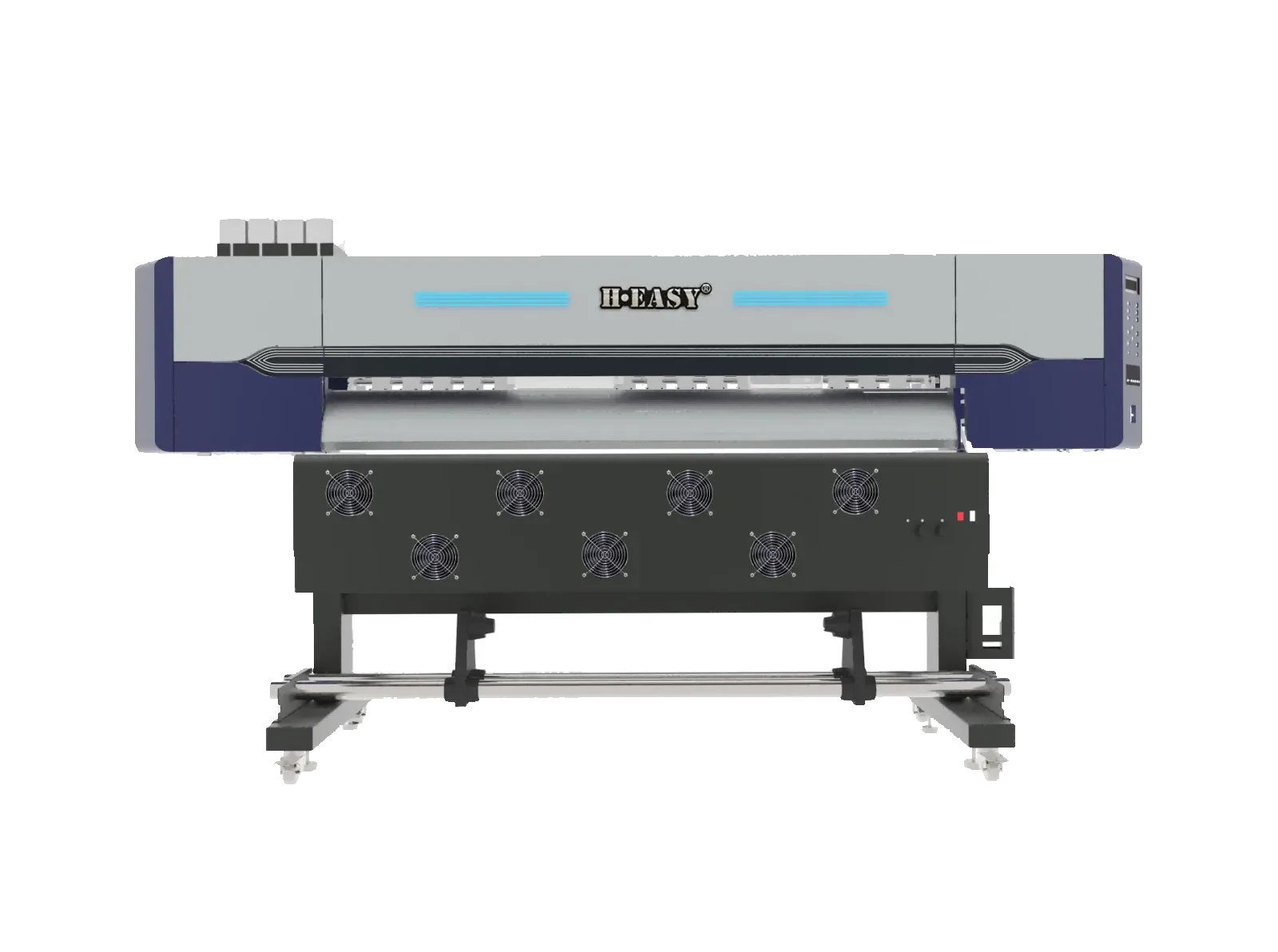
The industrial sublimation printer range is the relevant equipment path when the production plan is transfer paper for polyester. A roll-to-roll textile platform is the comparison path when ink will be applied to fabric itself.
Test the finish a buyer will actually receive
An attractive print sample under showroom lighting is not enough. Build a trial around the saleable product and record the result after every required finishing step.
Use the same checklist for both routes:
- Color and detail: inspect gradients, fine lines, solid areas, and neutral colors rather than only saturated artwork.
- Hand and drape: compare the printed area with unprinted fabric from the same roll.
- Face and reverse: look for unwanted strike-through, poor penetration, or a visible surface layer.
- Registration: test repeats, seams, panel edges, and artwork that must meet after cutting.
- Care performance: use the actual wash and handling conditions planned for the product; do not borrow a result from another fabric.
- Production recovery: stop and restart the line, then check whether color, alignment, and release return without excessive setup waste.
- Operator load: count each manual handoff from file approval to packed product and identify where work waits.

Diagnose the bottleneck before choosing equipment
Map one order through the whole line. If prepared fabric waits for washing or fixation, adding print capacity will increase the queue. If printed paper waits at the calendar, a faster sublimation printer will do the same. If operators spend most of the shift loading individual garments, nominal square-area speed does not describe sellable output.
The useful questions are concrete:
- Which station limits approved finished work today?
- Can printing and finishing run independently, or must one wait for the other?
- What material is scrapped when a defect is discovered late?
- Which settings must change between fabric types or order formats?
- Can the current room control moisture, heat, ventilation, and clean storage for the selected route?
- Who owns the approval sample and restart standard?
For a broader equipment decision, use the fabric printing machine selection guide to turn those workflow answers into a machine shortlist.
A practical selection rule
Choose direct-to-fabric when the ink route matches the fiber, the product needs a continuous printed textile, and the factory can control pretreatment and post-print finishing. Choose transfer when an intermediate carrier fits the product, the transfer chemistry matches the substrate, and the press or calendar can keep pace with the printer.
If both routes remain viable, do not decide from one sample or one machine specification. Run the same artwork and actual fabric through both complete workflows, compare saleable output, and inspect the slowest station. The better process is the one that repeatedly produces the required finished product with the controls the factory can sustain.
Use the contact form to share the fiber, fabric width, product type, order pattern, and available finishing equipment. Those inputs are enough to separate a direct textile line from a transfer-paper line before discussing a specific configuration.
Printers matched to this guide